Memory Keys
5-9
5
Memory Features
Recalling Scan/Print/Copy Settings
1
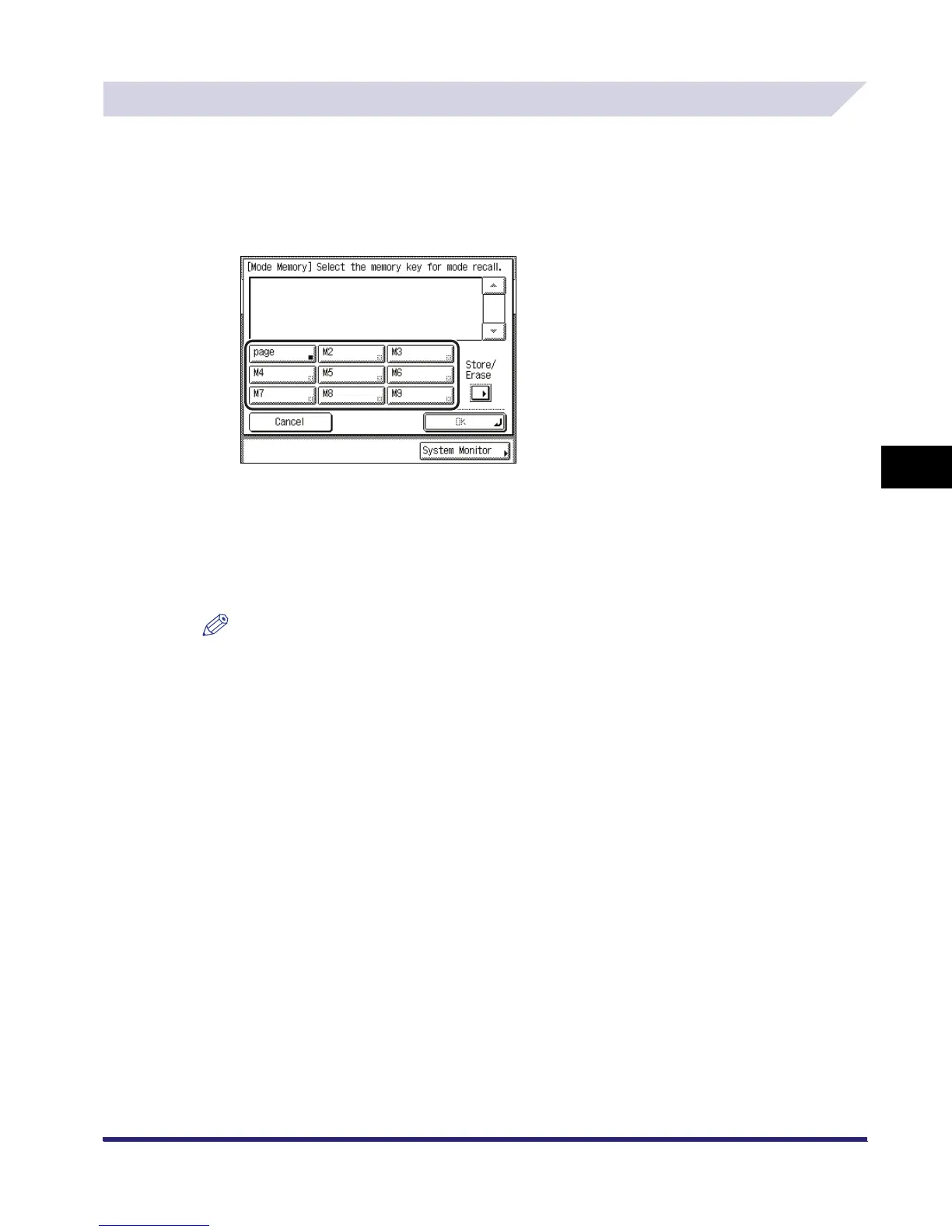
On the Special Features screen, press [Mode Memory].
2
Select the key containing the copy settings that you want to recall.
3
Verify the settings ➞ press [OK].
If you select a key that does not have settings stored in it, [OK] is grayed out and you cannot
press it. You can select another key that has copy settings stored in it, or press [Cancel].
The selected mode is set.
NOTE
•
Recalling settings from memory cancels the current settings.
•
You can make changes to the recalled settings.
•
If you press another key, the settings stored in that key are recalled.



 To Next Page