x
Keys Used in This Manual
The following symbols and key names are a few examples of how keys to be pressed are
expressed in this manual:
• Touch Panel Display Keys: [Key Name]
• Control Panel Keys: <Key icon>
Displays Used in This Manual
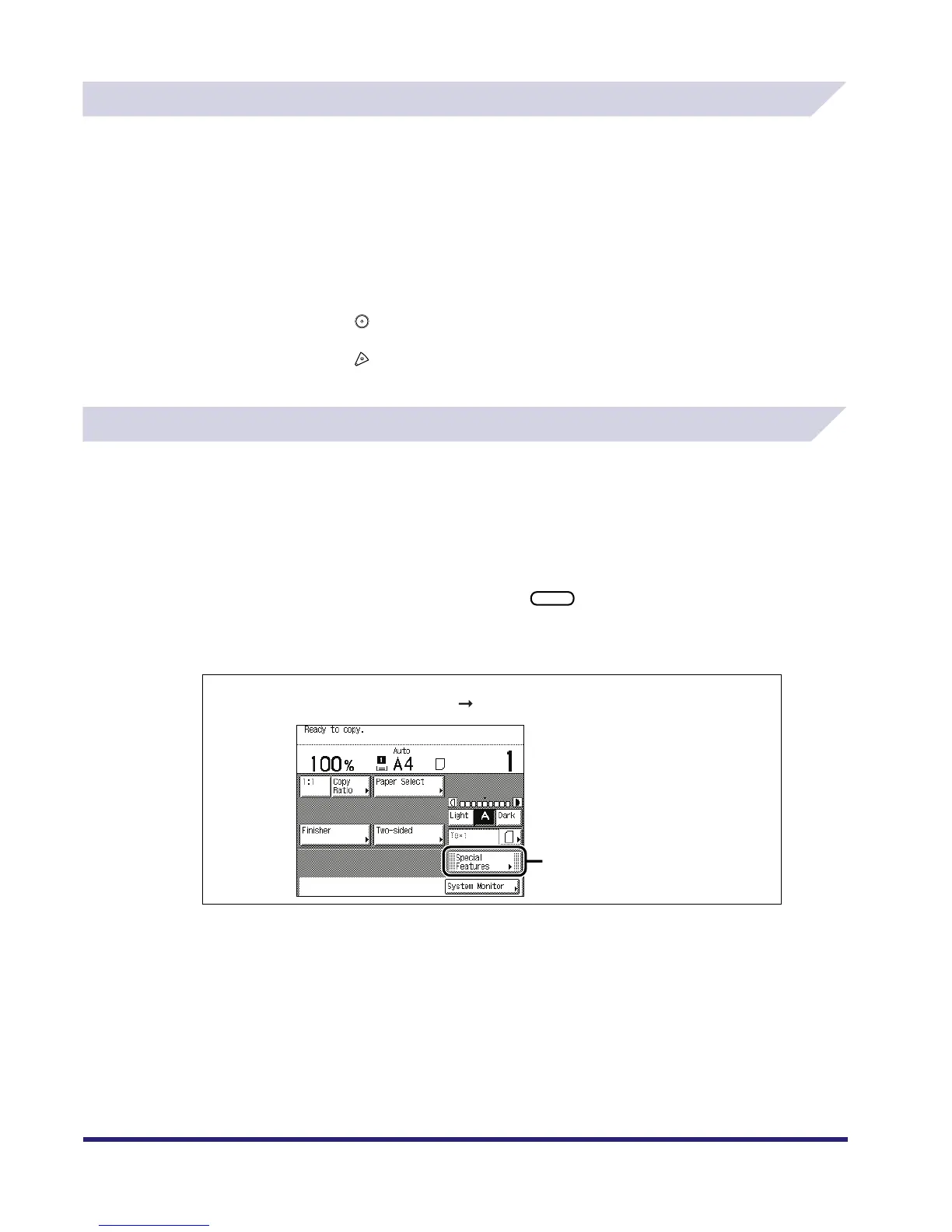
Screen shots of the touch panel display used in this manual are those taken when the following
optional equipment is attached to the iR3530: Feeder (DADF-N1), Super G3 FAX Board,
Multi-PDL Printer Kit, iR System Expansion Kit, Finisher-S1, Additional Finisher Tray-B1, and
Cassette Feeding Unit-Y2.
Note that functions that cannot be used depending on the model or options, are not displayed
on the touch panel display.
The keys which you should press are marked with a , as shown below.
When multiple keys can be pressed on the touch panel display, all keys are marked. Select the
keys which suit your needs.
Examples: [Cancel]
[Done]
Examples:
Place your originals press [Special Features].
1
Press this key for operation.



 To Next Page