Cover/Job Separator
4-17
4
Special Copying and Mail Box Features
Cover/Job Separator
If you select multiple documents and set the Merge Documents mode, you can specify the
Cover/Job Separator mode. The Cover/Job Separator mode automatically adds front and back
covers, or job separator sheets to divide each document, using a different type of paper from
that used for the main document.
IMPORTANT
•
The Cover/Job Separator mode cannot be used with the following mode(s).
- Mail Box: Group, Offset Group, Rotate Collate, Rotate Group
•
You can set the Cover/Job Separator mode only if you select multiple documents and set the Merge
Documents mode. (See "Merging Documents," on p. 3-58.)
•
You cannot print on the front cover, back cover, or job separator sheets.
•
If you select the Staple mode when the optional Finisher-S1 is attached, you cannot staple more than 30
sheets of A3 or A4R paper, or 50 sheets of A4 paper, including sheet insertions.
NOTE
•
The Cover/Job Separator mode is available for the Mail Box function only.
•
Front cover, Back cover, or Job separator sheets are not counted as prints.
■ Front Cover
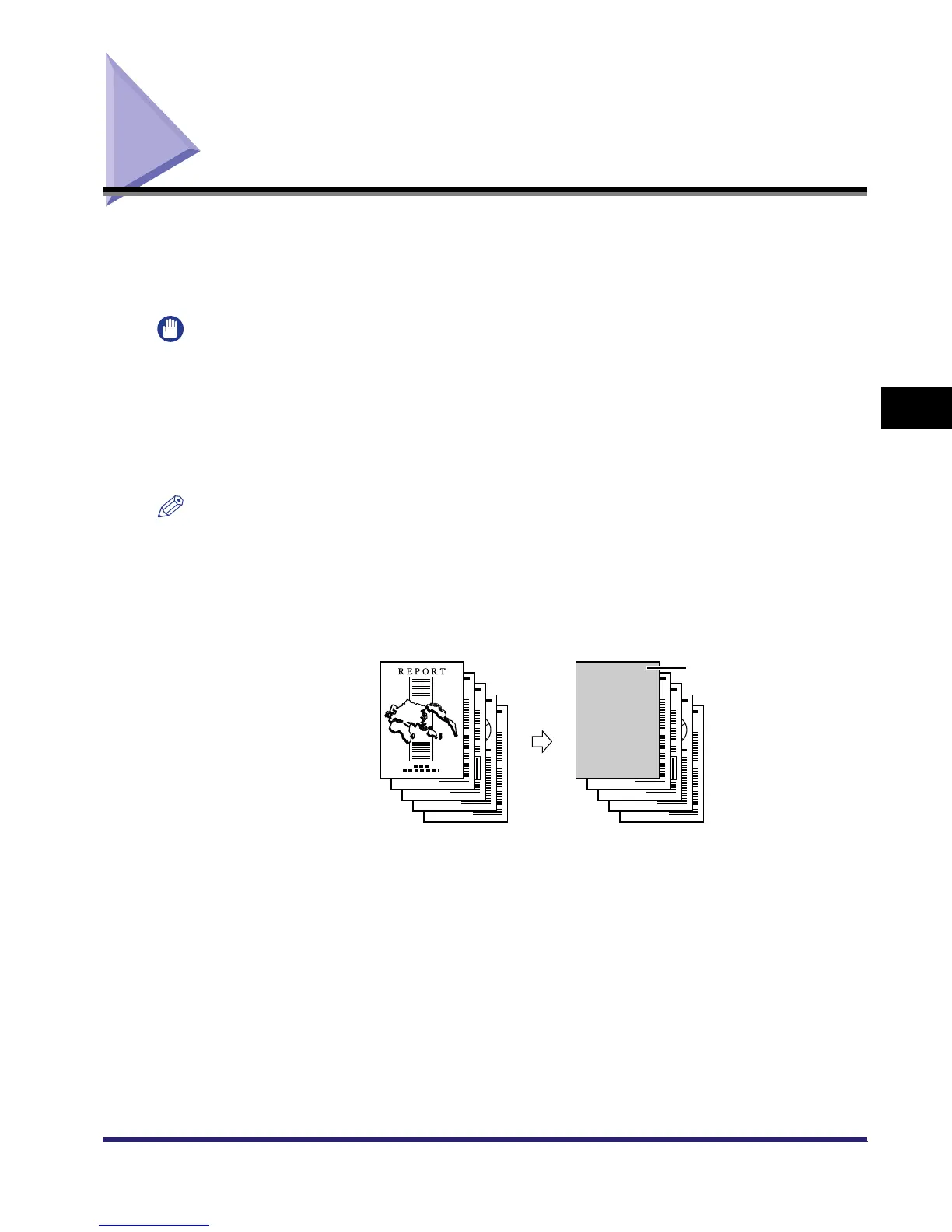
This setting adds a front cover sheet to each set of prints. You cannot print on the front cover sheet.
Selected Documents Prints
Front Cover



 To Next Page