Flow of Copy Operations
1-8
1
Introduction to the Copying Functions
Flow of Copy Operations
This section describes the flow of basic copy operations.
NOTE
Before using the Copy function, it is useful to read the following topics:
- Main power and control panel power (See Chapter 1, "Before You Start Using This Machine," in the
Reference Guide.)
- Routine maintenance (See Chapter 7, "Routine Maintenance," in the Reference Guide.)
1
Press the appropriate keys in accordance with the messages
displayed on the touch panel display.
If there are no messages displayed, proceed to step 2.
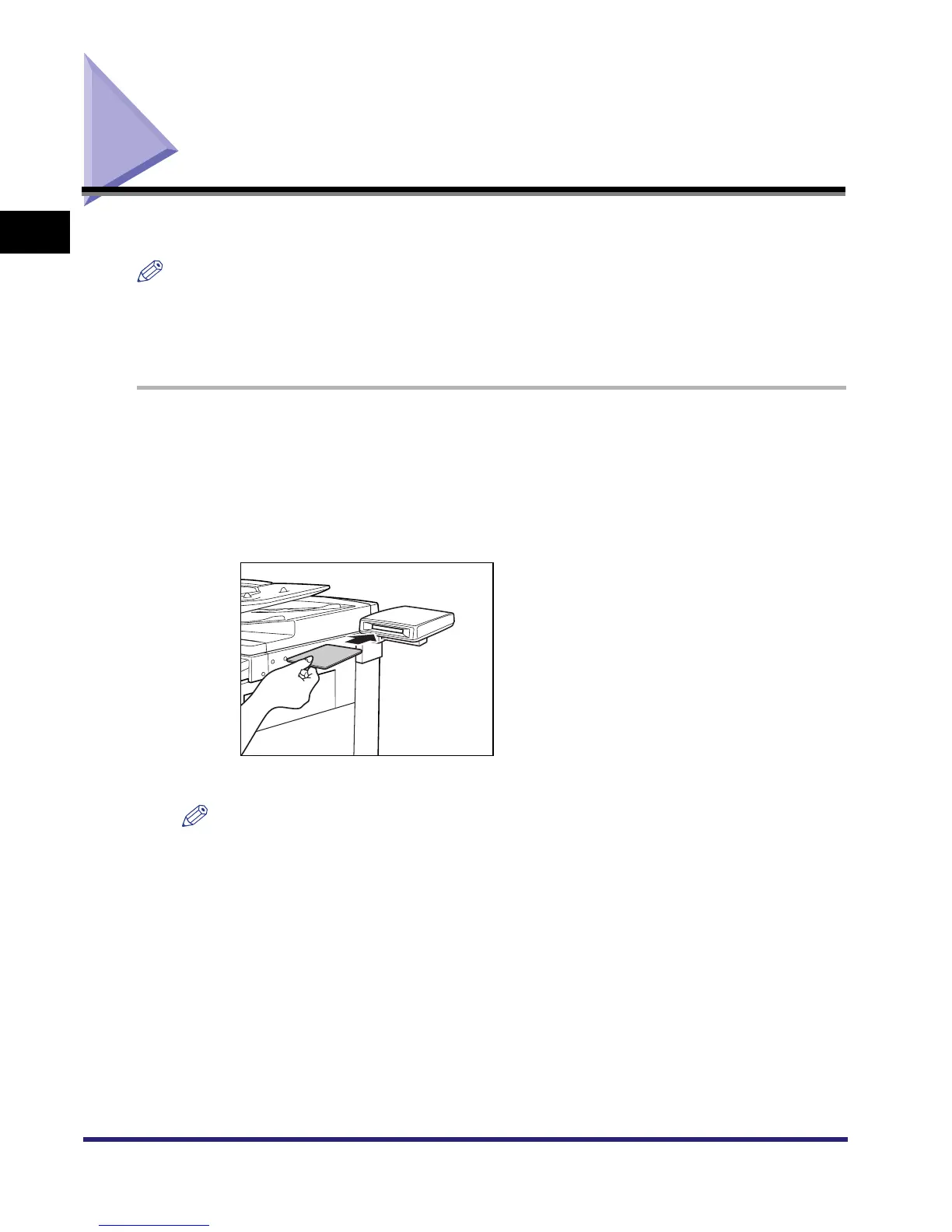
● If the message <You must insert a control card.> appears:
❑ Insert a control card into the optional Card Reader-C1.
The Basic Features screen is displayed.
NOTE
For instructions on using the optional Card Reader-C1, see Chapter 3, "Optional Equipment," in
the Reference Guide.



 To Next Page