Changing the Copy (Zoom) Ratio
3-19
3
Basic Copying and Mail Box Features
3
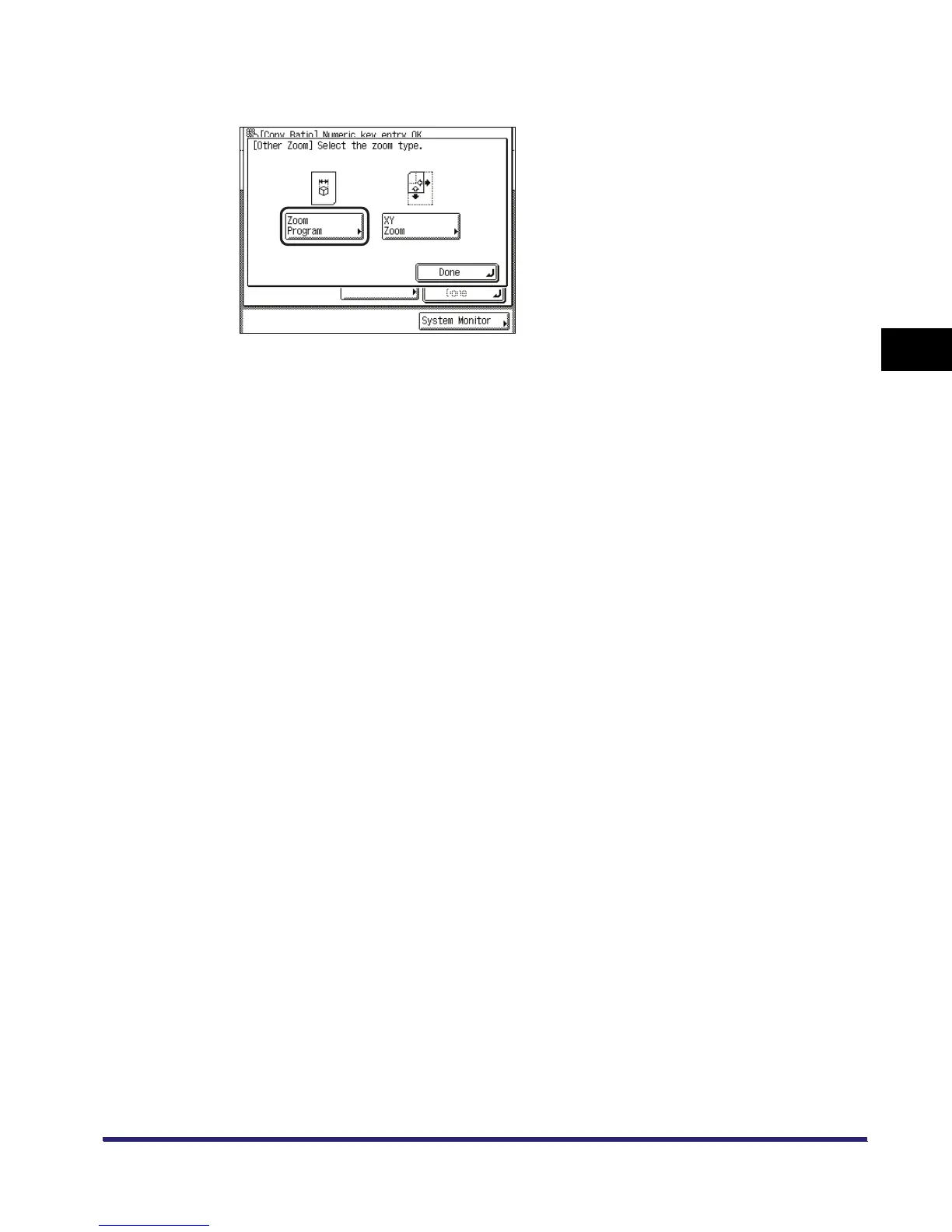
Press [Zoom Program].
4
Use the numeric keys on the touch panel display to enter values for the
original size and copy size.
❑
Press [Original Size] ➞ enter a value.
❑ Press [Copy Size] ➞ enter a value.



 To Next Page