Changing the Copy (Zoom) Ratio
3-28
3
Basic Copying and Mail Box Features
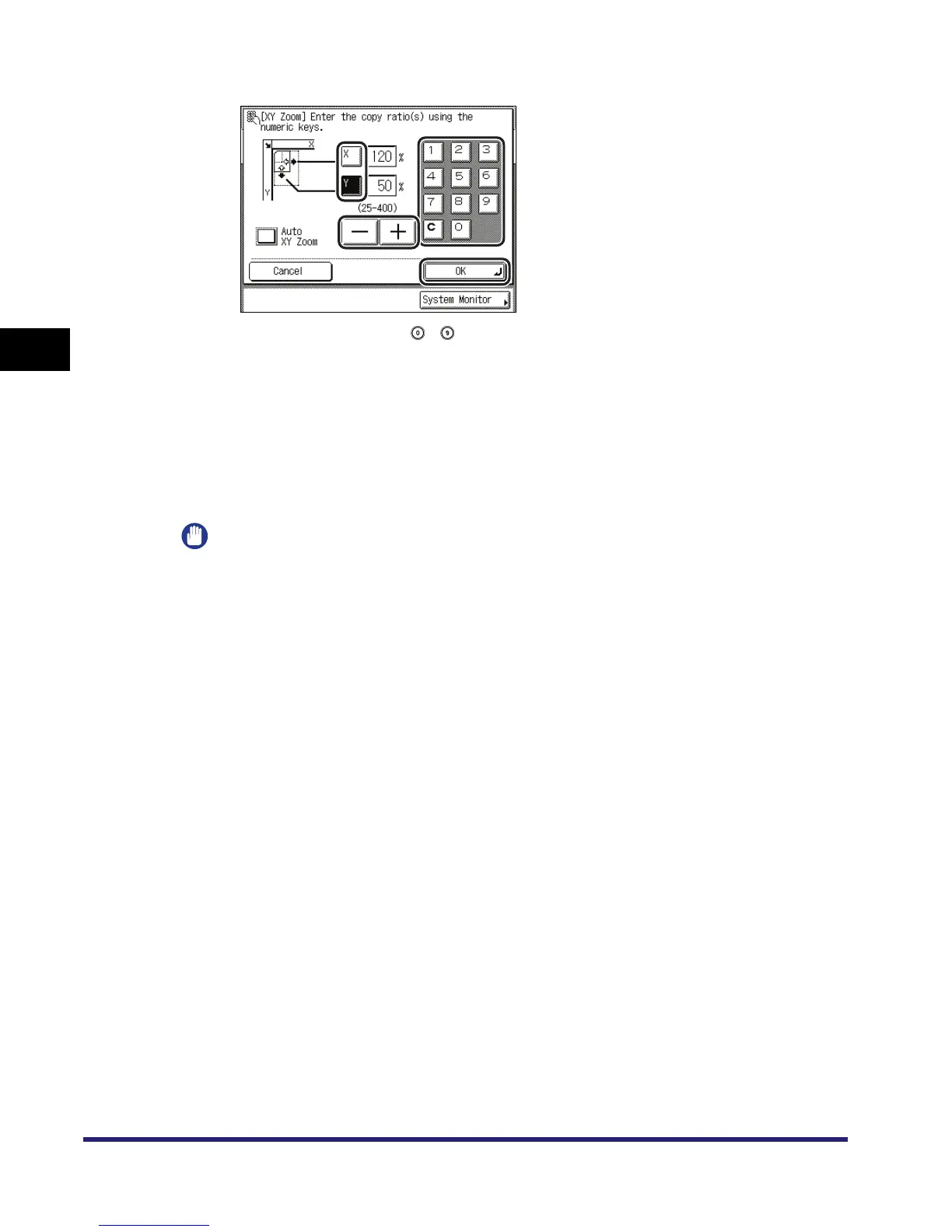
❑ Press [OK].
If you enter a value using - (numeric keys) outside the setting range, a message
prompting you to enter an appropriate value appears on the screen.
The selected mode is set, the display returns to the Copy Basic Features screen and the
specified copy ratios are displayed.
● To have the copy ratios automatically specified (Auto XY Zoom):
❑ Press [Auto XY Zoom] ➞ [OK].
The selected mode is set, the display returns to the Copy Basic Features screen and the
specified copy ratios are displayed.
IMPORTANT
If you select [Auto XY Zoom], make sure that you select a paper size other than [Auto]. If you do
not specify a paper size, paper drawer 1 is automatically selected and the copy ratios are set to
match the size of the paper loaded in that drawer.


 To Next Page
 Loading...








