Paper Selection
1-23
1
Introduction to the Copying Functions
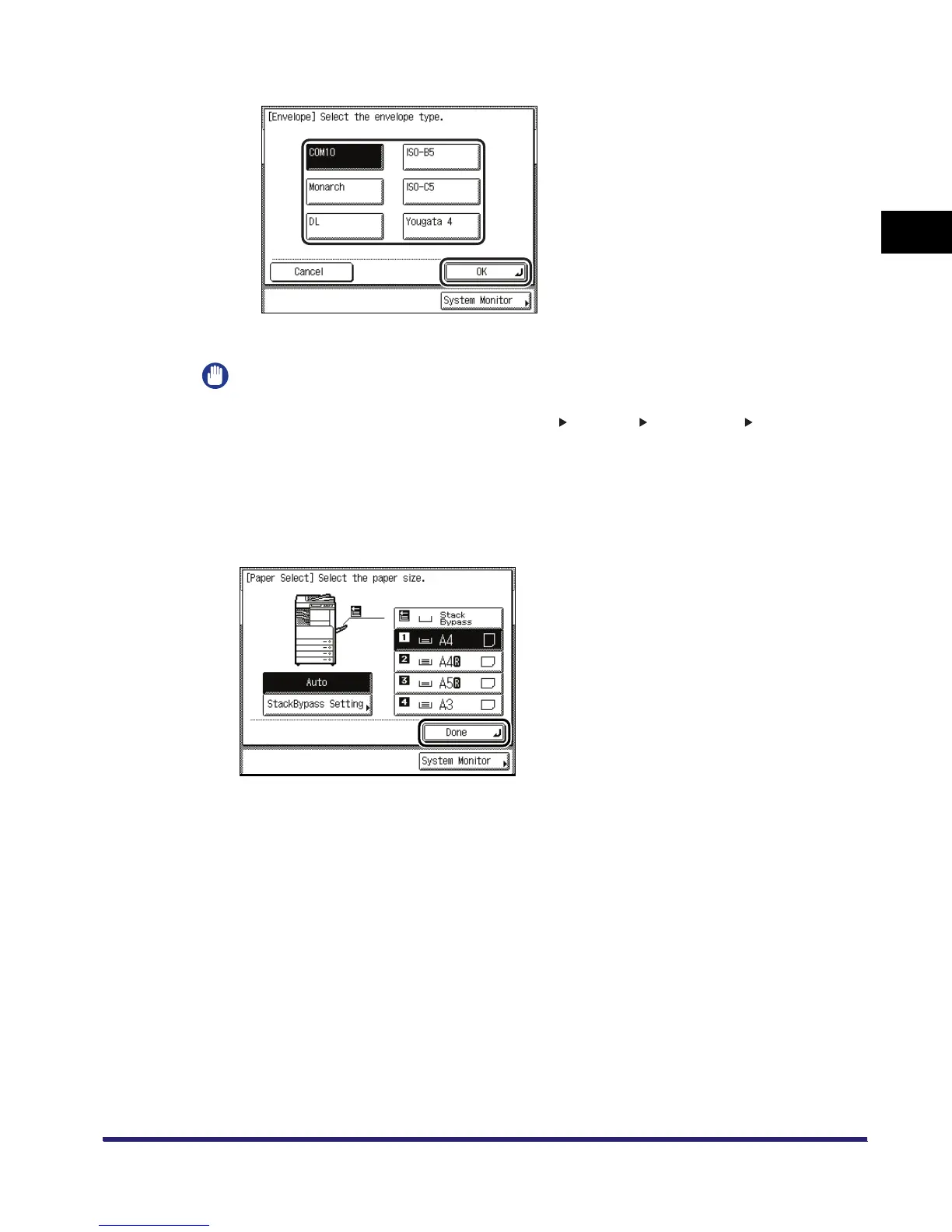
❑ Select the desired envelope type ➞ press [OK].
The display returns to the paper size selection screen.
IMPORTANT
•
If the envelope type is not selected correctly, a paper jam will occur.
•
If you select an envelope size, Finisher mode, 1 2-Sided, 2 2-Sided, Book 2-Sided,
Two-page Separation, Cover/Sheet Insertion, Image Combination, or Transparency Interleaving
modes cannot be specified.
❑ Press [OK].
2
Press [Done].



 To Next Page