Reserved Copying
1-30
1
Introduction to the Copying Functions
1
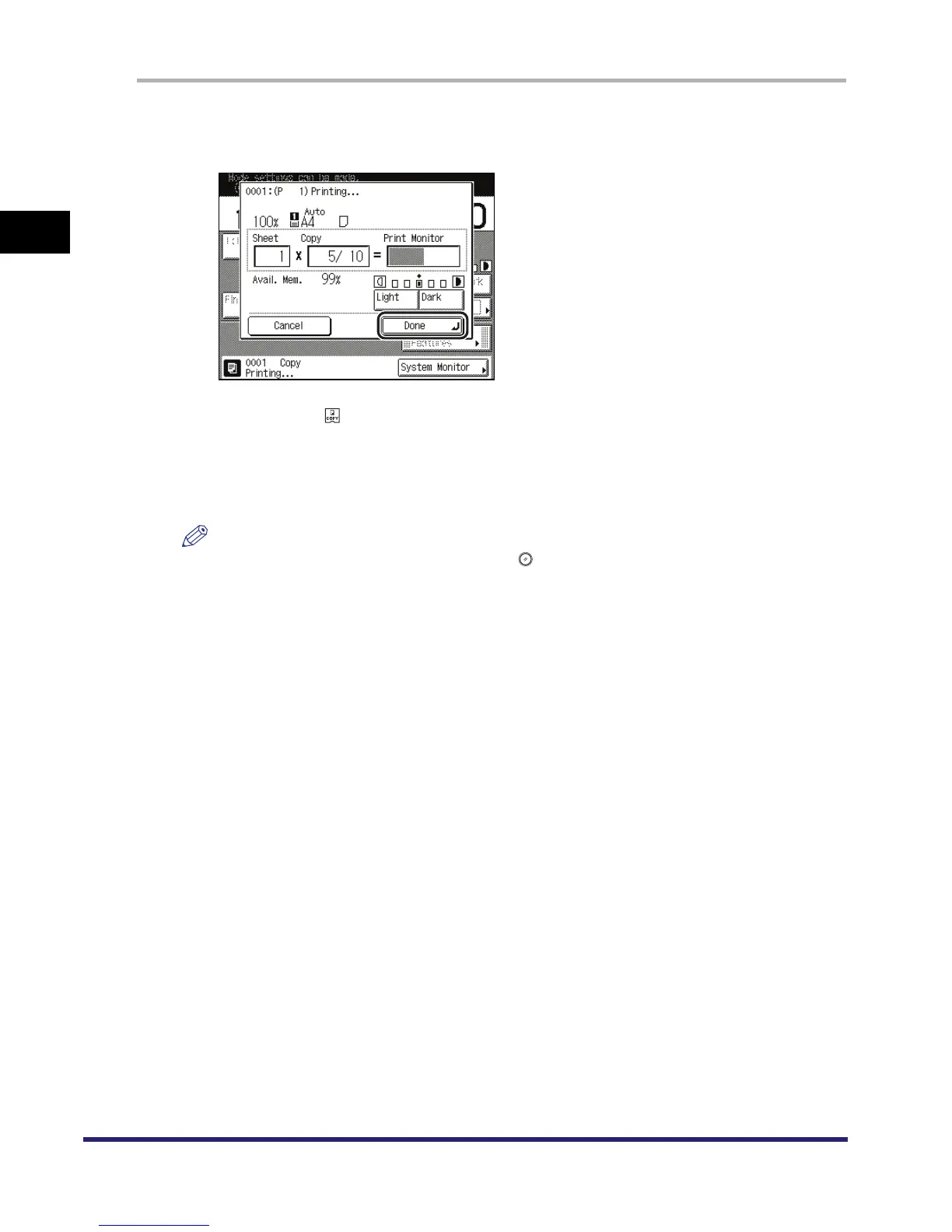
Press [Done] on the pop-up screen that appears while the machine is
printing.
If the job displayed on the touch panel display is from a function other than the Copy function,
press [Done] ➞ to display the Copy Basic Features screen.
This part of the procedure is not necessary if the machine is in the waiting state.
2
Place your originals ➞ set the desired copy modes and paper source.
NOTE
To cancel a previously set copy mode, press .



 To Next Page