Reserved Copying
1-36
1
Introduction to the Copying Functions
5
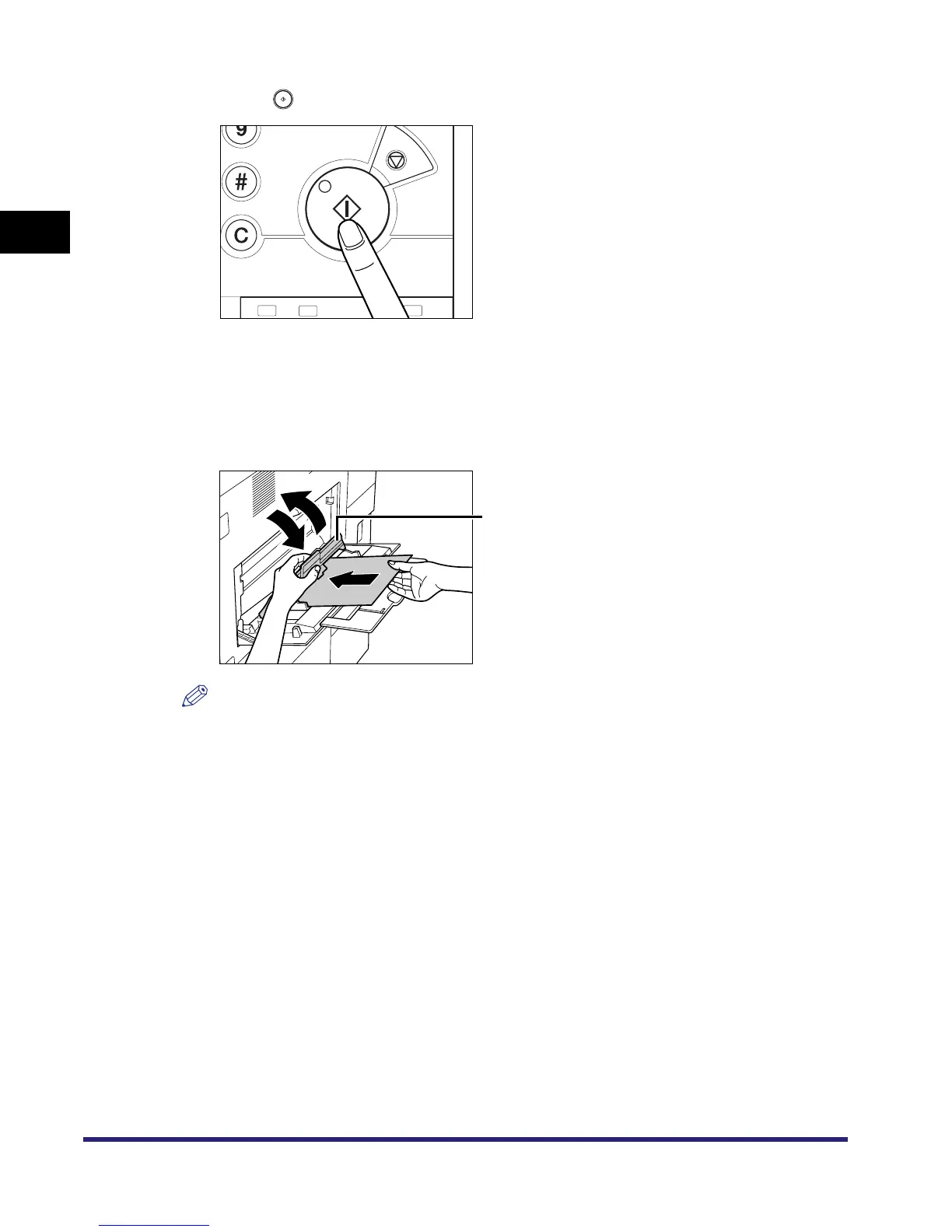
Press .
Scanning starts.
6
When it is time for the reserved copy job to be printed, lift the paper
retaining lever, load the specified paper into the stack bypass, then
lower the paper retaining lever.
NOTE
•
The specified paper size/type is displayed on the screen when it is time for the reserved copy job
to be printed.
•
Make sure to load the same paper size and type selected in step 3 into the stack bypass. Printing
does not start if paper of a different size or type is loaded.
Paper Retaining Lever



 To Next Page