Paper Selection
2-27
2
Introduction to the Mail Box Functions
3
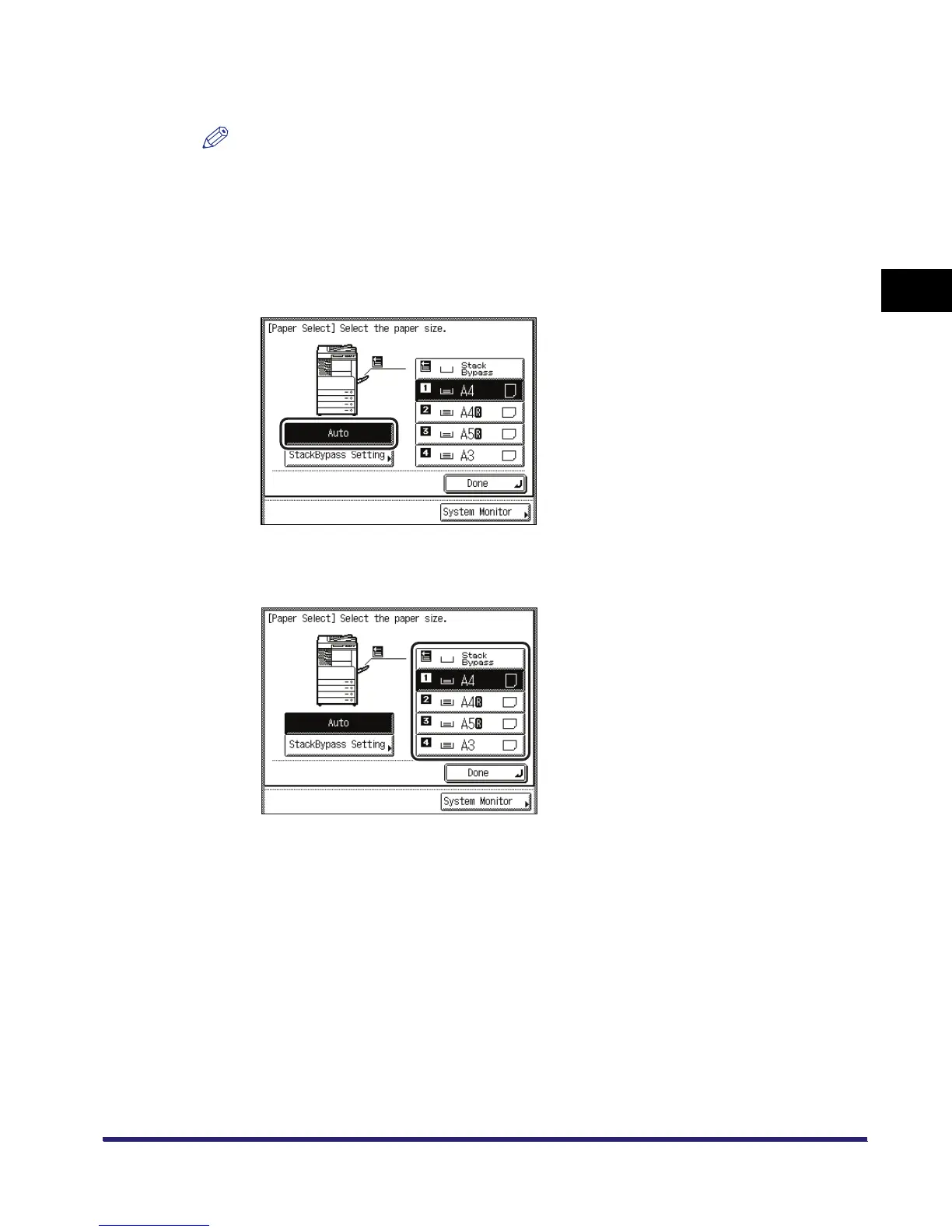
Select the desired paper size.
NOTE
•
If you want to select [Envelope], [Tracing Paper], [Transparency], or [Labels] for the stack bypass,
do not set any of the Finisher modes (e. g., Collate, Group, and Staple modes).
•
If Stack Bypass Standard Settings in Common Settings (from the Additional Functions screen) is
set to 'On', [StackBypass Setting] is grayed out. (See Chapter 4, "Customizing Settings," in the
Reference Guide.)
● If you want to set the machine to automatically select a paper size:
❑ Press [Auto].
● If you want to select a paper size manually:
❑ Select the desired paper size.



 To Next Page