Paper Selection
2-29
2
Introduction to the Mail Box Functions
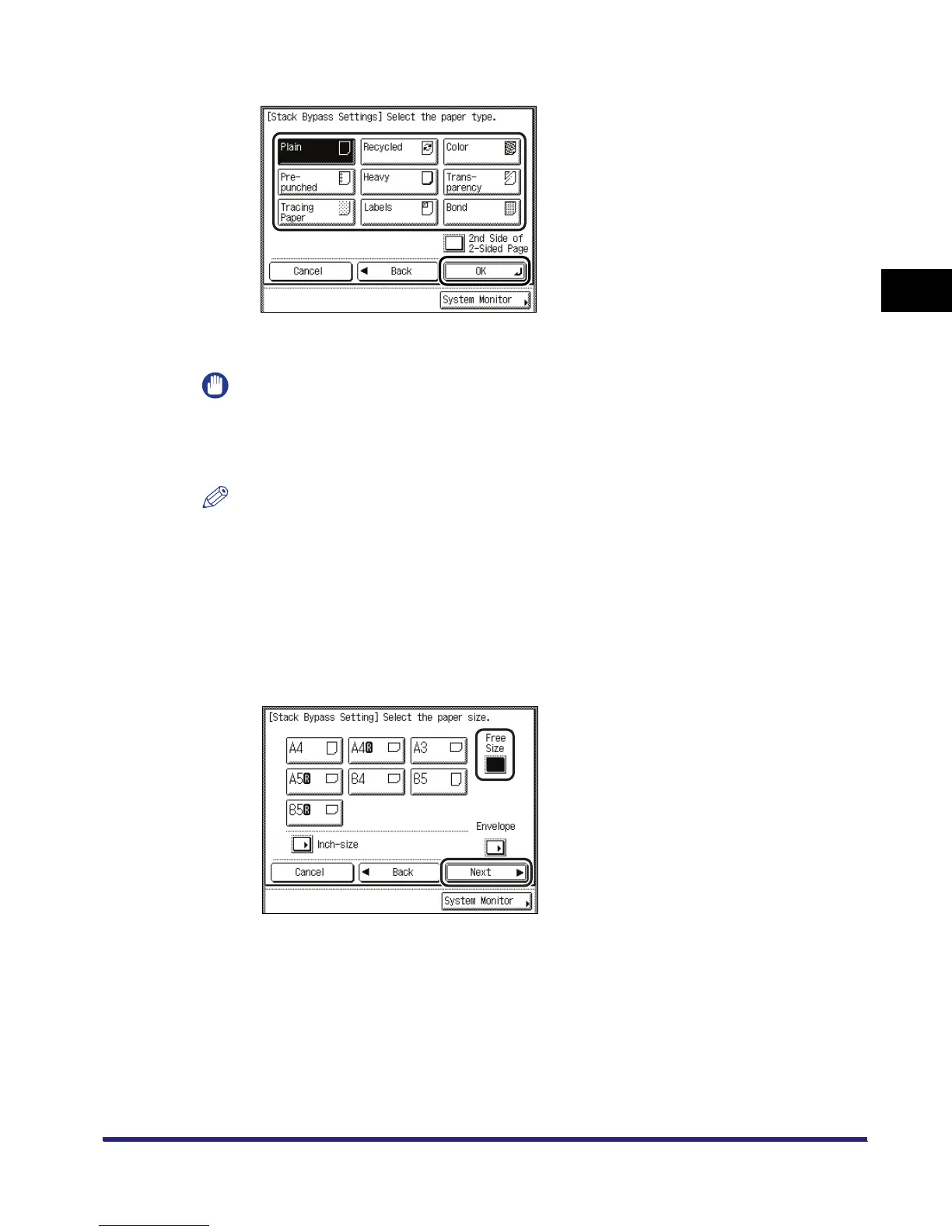
❑ Select the desired paper type ➞ press [OK].
If you are printing on the back side of a previously printed sheet, press [2nd Side of 2-Sided
Page].
IMPORTANT
Make sure that the correct paper is selected. If the setting is wrong when printing on special
paper, especially on heavy paper, it may cause false print, or make the fixing unit dirty and the
paper may be clang to it. If this happens, you may have to call your local authorized Canon
dealer to fix the machine.
NOTE
•
[Transparency] can be selected only if [A4] is selected as the paper size.
•
For more information on paper types, see Chapter 2, "Basic Operations," in the Reference
Guide.
● If you want to select a nonstandard paper size:
❑ Press [Stack Bypass].
If you want to select the stack bypass when a paper size/type is already selected for the
current or reserved job, press [StackBypass Setting] to specify the desired paper size/type.
❑ Press [Free Size] ➞ [Next].



 To Next Page