Cancelling a Job
2-35
2
Introduction to the Mail Box Functions
3
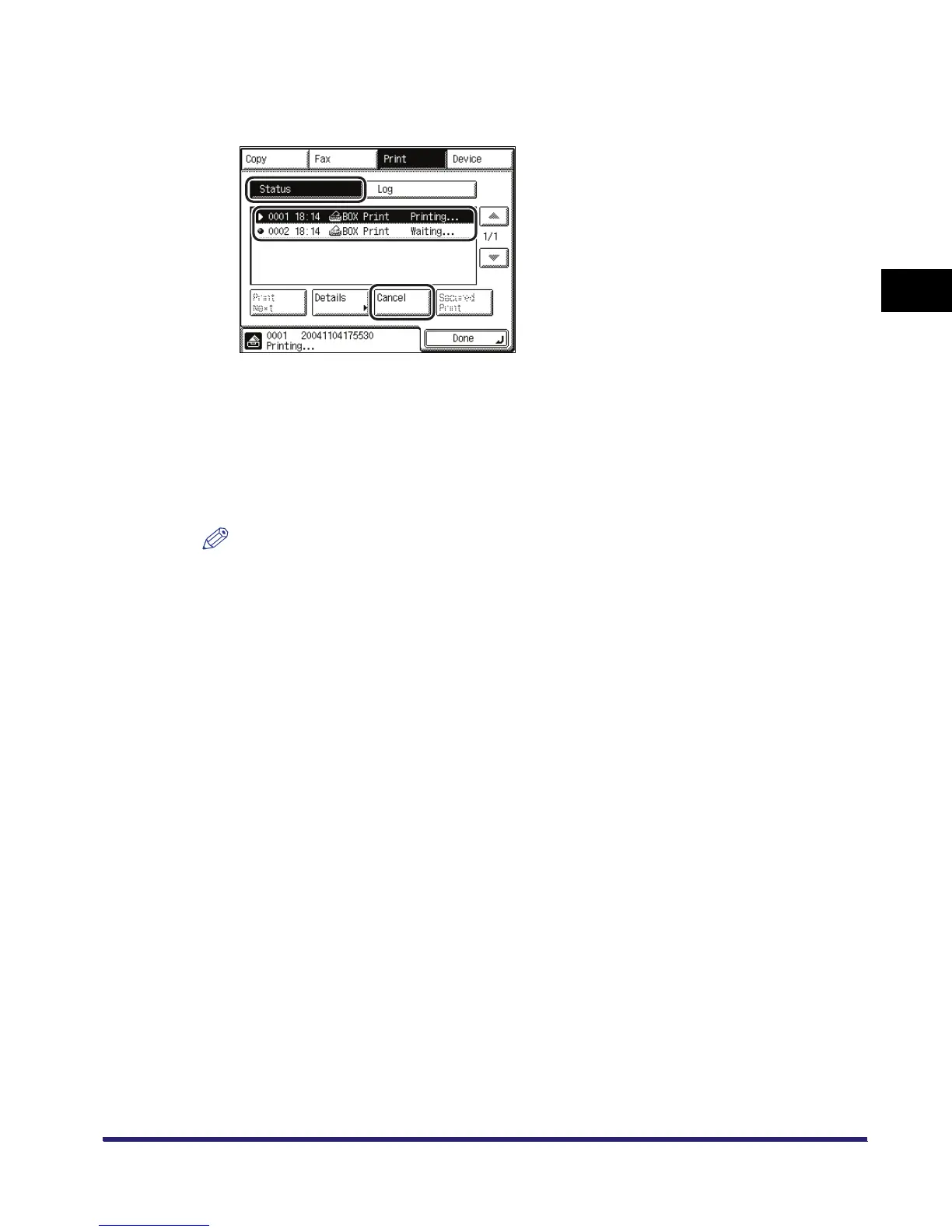
Press [Status] ➞ select the print job that you want to cancel ➞ press
[Cancel].
You cannot select multiple jobs and cancel them all at once. Select and cancel one job at a
time.
4
Press [Yes].
If you do not want to cancel the job, press [No].
The print job is cancelled.
NOTE
The cancelled job is displayed as <NG> (No Good) on the Log screen.
5
Press [Done].
The display returns to the Inbox Selection screen.



 To Next Page