Printing the Nozzle Check Pattern
Print the nozzle check pattern to determine whether the ink ejects properly from the print head nozzle.
Note
• If the remaining ink level is low, the nozzle check pattern will not be printed correctly. Replace the FINE
cartridge whose ink is low.
You need to prepare: a sheet of A4 or Letter-sized plain paper
1.
Make sure that the power is turned on.
2.
Load a sheet of A4 or Letter-sized plain paper in the front tray.
3.
Open the output tray extension, open the paper output tray, then extend the paper output
support.
4.
Print the nozzle check pattern.
1.
Press the Setup button.
The Setup menu screen will appear.
2.
Use the or button to select Maintenance, then press the OK button.
LCD and Operation Panel
3.
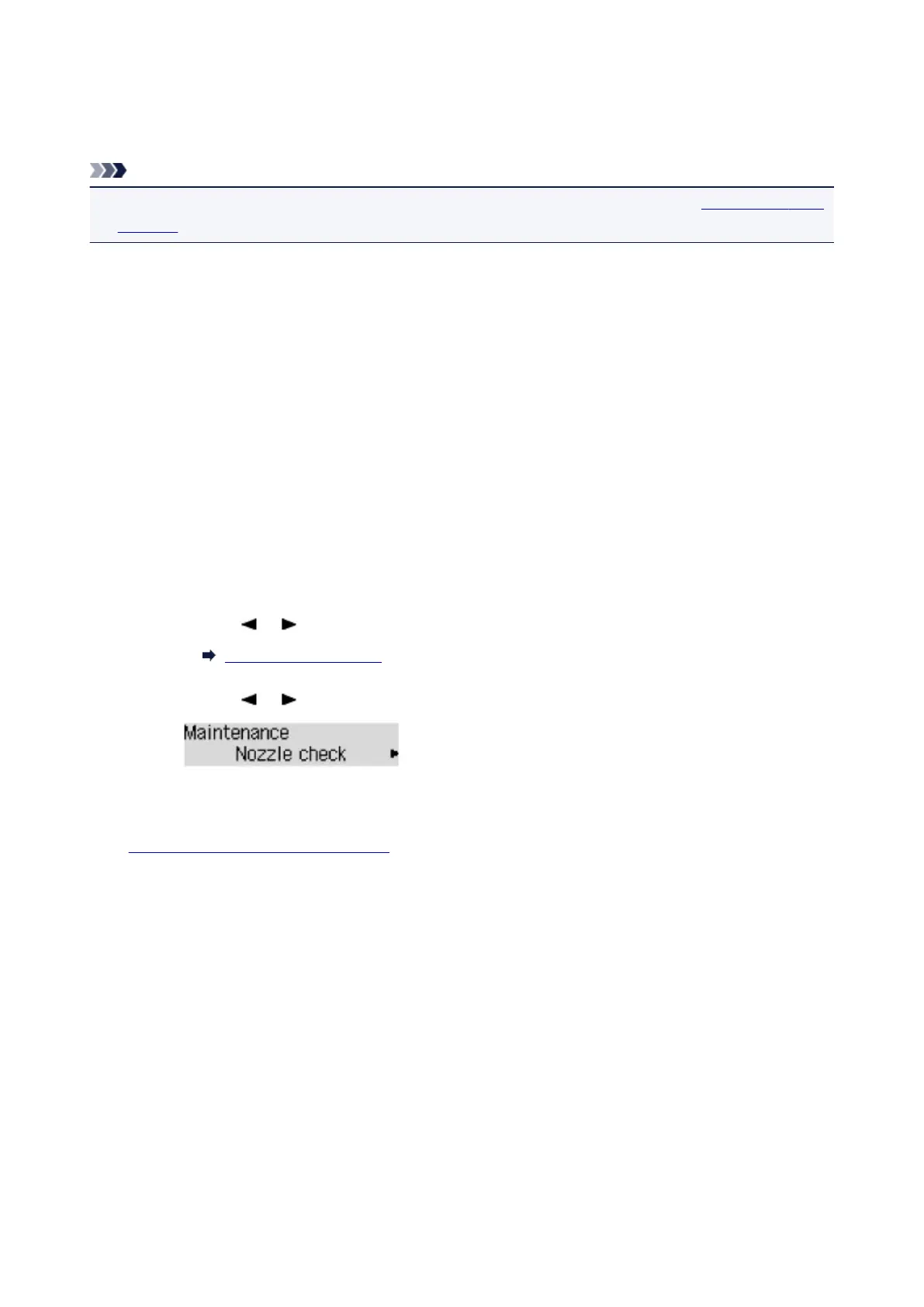
Use the or button to select Nozzle check, then press the OK button.
The nozzle check pattern will be printed.
5.
Examine the nozzle check pattern.
116













 To Next Page