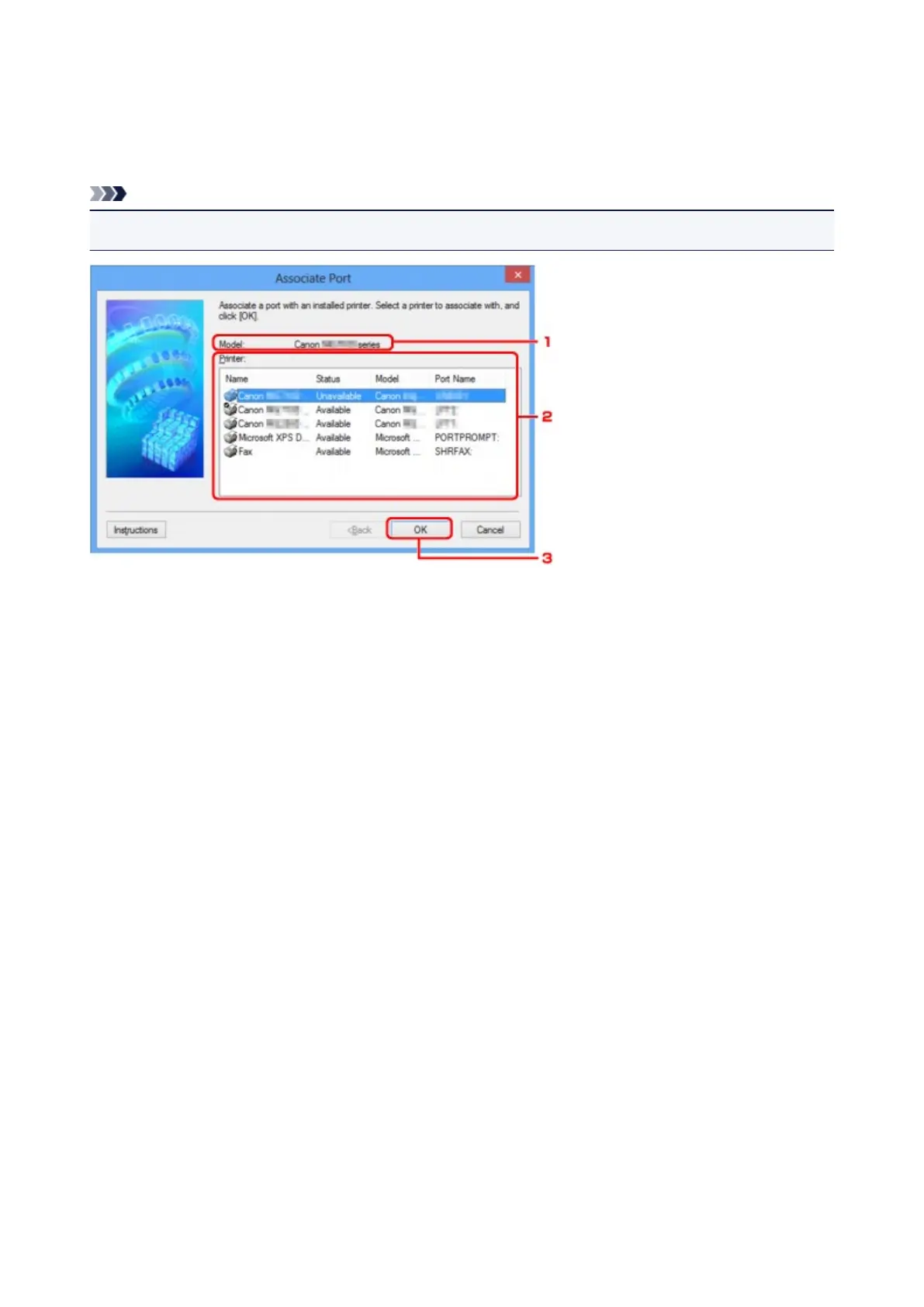
Associate Port Screen
Allows you to associate a created port with a printer driver.
Select the printer for which you want to change the association, then click OK.
Note
• You cannot print with the printer unless the printer driver is associated with the port.
1.
Model:
Displays the name of device specified as a destination port.
It is blank if the name of device is not detected.
2.
Printer:
Displays the printer driver installed in the computer.
Select the printer for which you want to change the association.
3.
OK
Performs association.
231













 To Next Page