Printing with Easy Setup
This section describes the simple procedure for setting the Quick Setup tab so that you can carry out
appropriate printing on this machine.
1. Check that the machine is turned on
2.
Load paper on the machine
3.
Open the printer driver setup window
4.
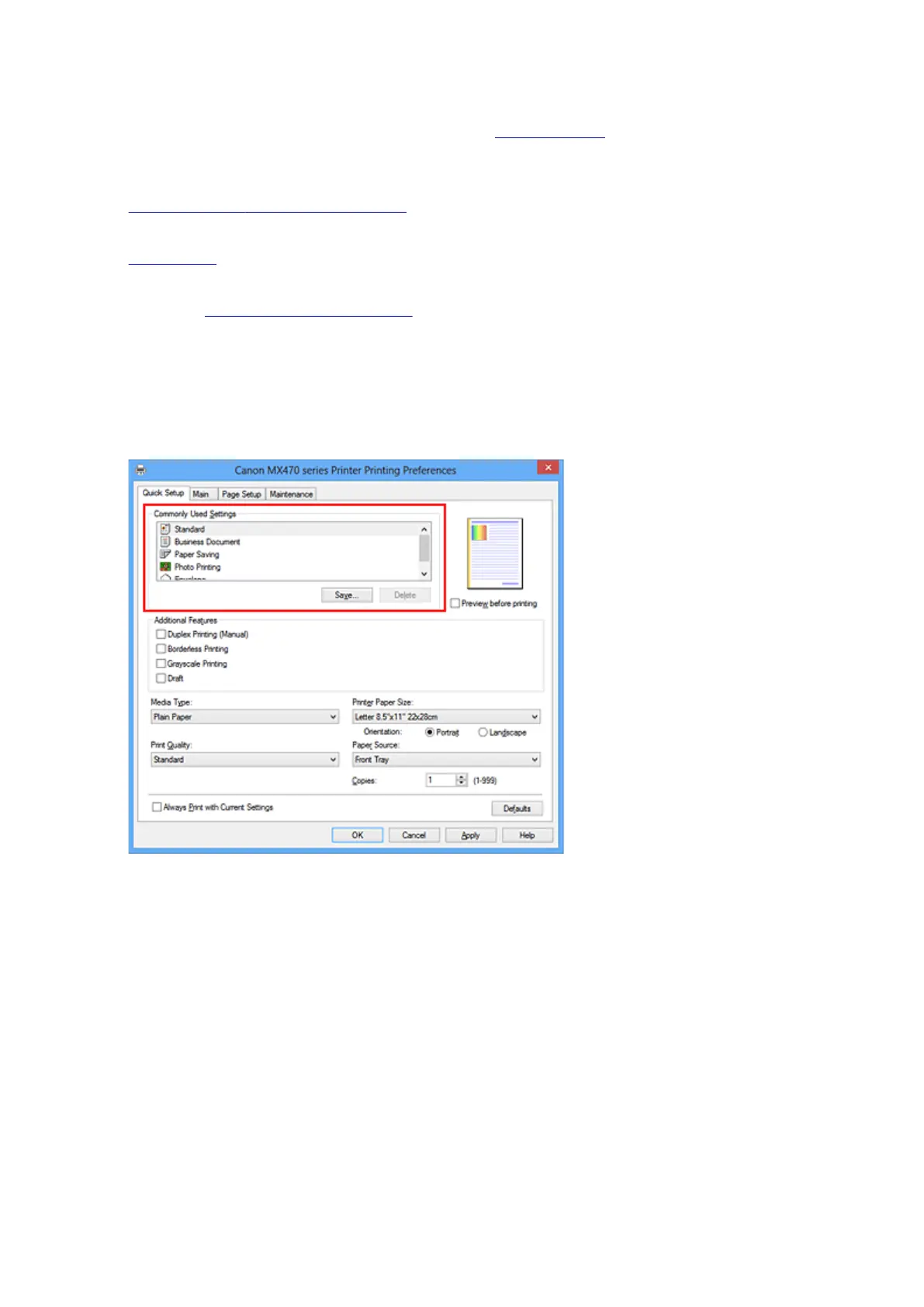
Select a frequently used profile
In Commonly Used Settings on the Quick Setup tab, select a printing profile suited for the purpose.
When you select a printing profile, the Additional Features, Media Type, and Printer Paper Size
settings are automatically switched to the values that were preset.
5.
Select the print quality
For Print Quality, select High, Standard, or Draft according to your purpose.
261













 To Next Page