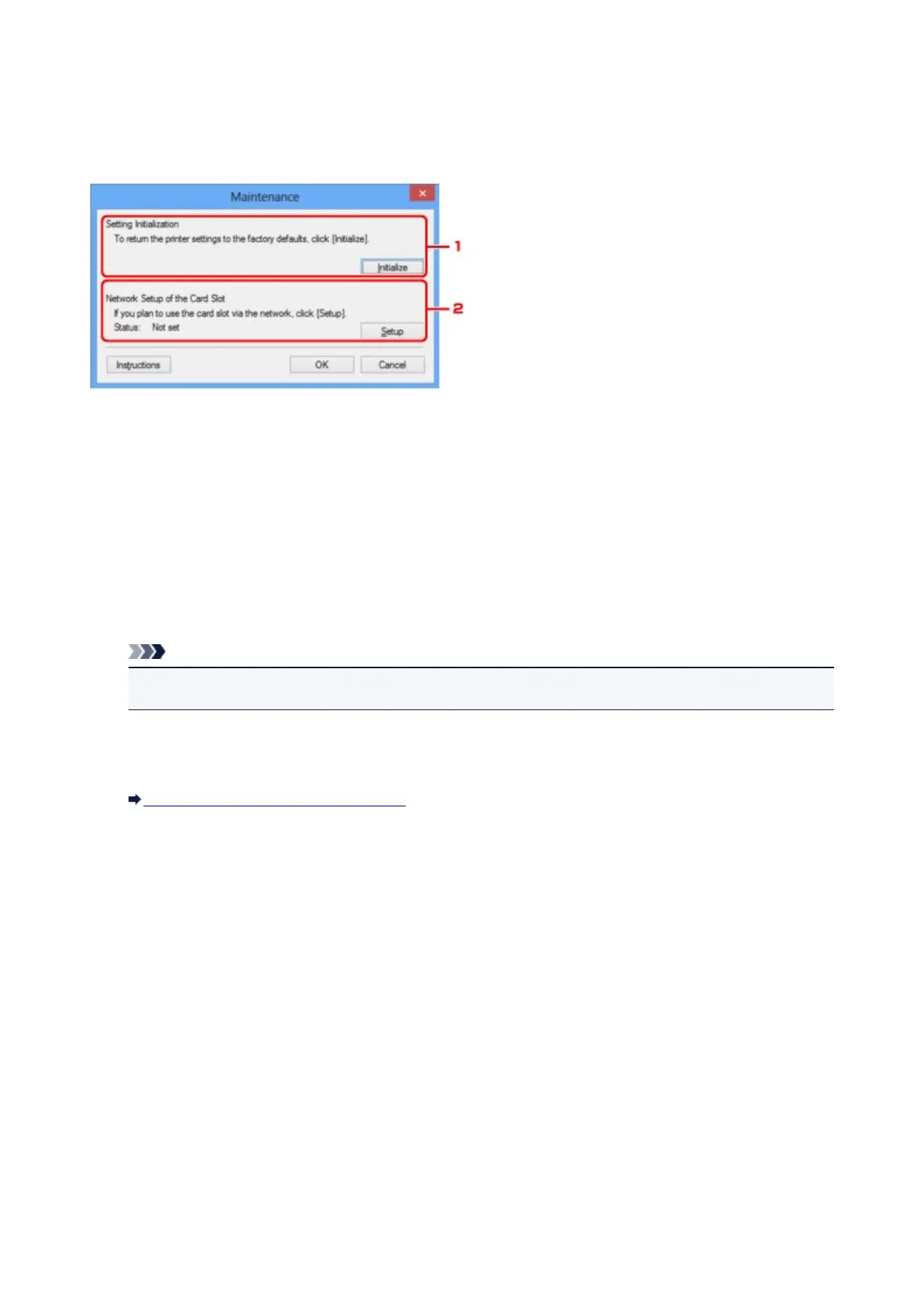
Maintenance Screen
Displays to perform Setting Initialization and Network Setup of the Card Slot.
To display the Maintenance screen, select Maintenance... from the Settings menu.
1.
Setting Initialization
Reverts all the network settings of the printer to factory default. Click Initialize to display the Initialize
Settings screen and click Yes to initialize the network settings of the printer. Do not turn off the printer
during initialization. Click OK when initialization is complete.
Performing initialization when connected over wireless LAN will break the connection, so perform setup
with the Setup CD-ROM or perform setup according to the instructions on our website.
2.
Network Setup of the Card Slot
Note
• This item is not available depending on the printer you are using.
Status displays whether the card slot is mapped as a network drive.
When you click, the Network Setup of the Card Slot is displayed.
Network Setup of the Card Slot Screen
228













 To Next Page