Notice for Unplugging the Power Cord
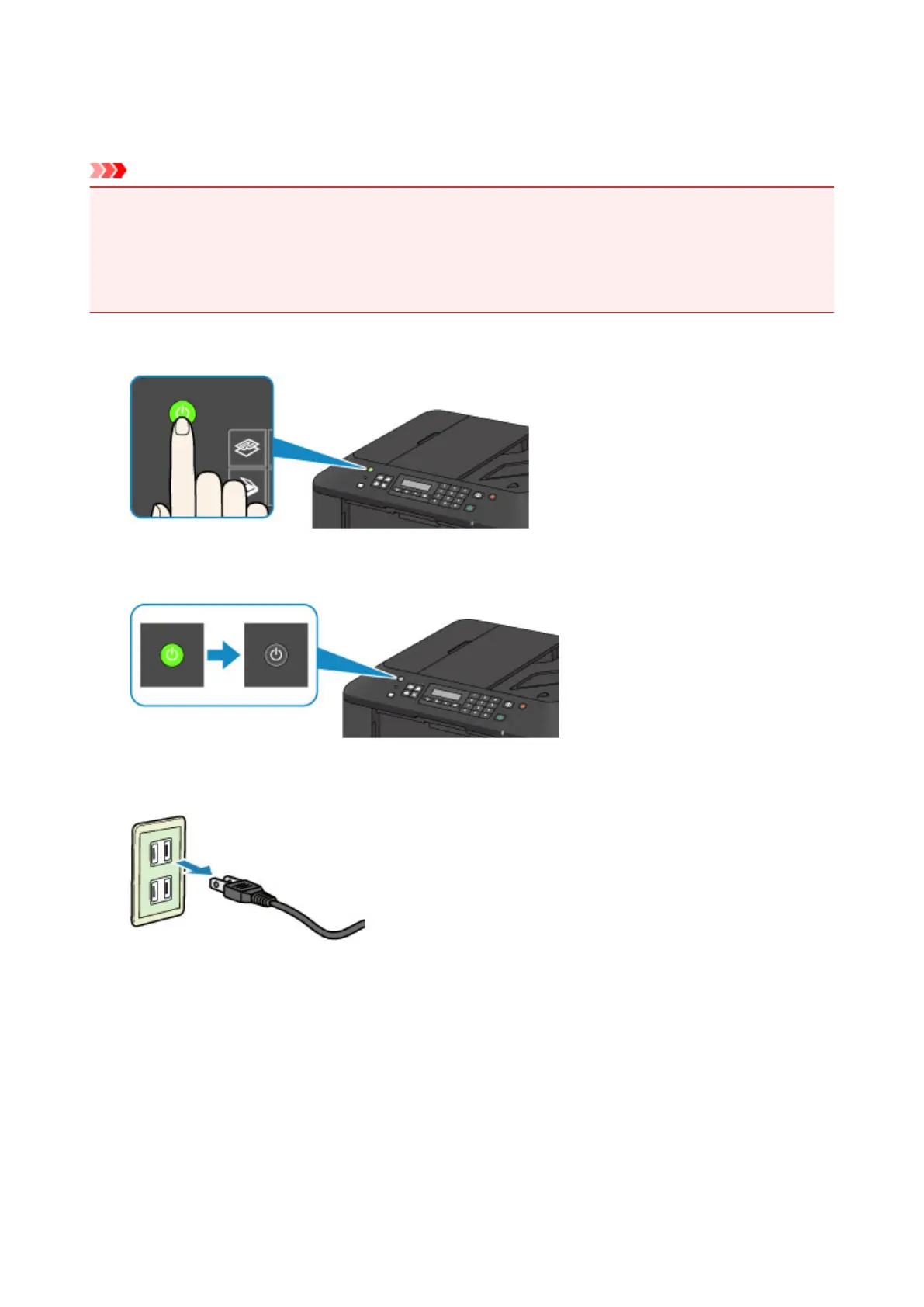
To unplug the power cord, follow the procedure below.
Important
• When you unplug the power cord, press the ON button, then confirm that the POWER lamp is off.
Unplugging the power cord before the POWER lamp is turned off may cause drying or clogging of the
print head and print quality may be reduced.
• If the power cord is unplugged, the date/time settings will be reset and all documents stored in the
machine's memory will be lost. Send or print a necessary document before unplugging the power cord.
1.
Press the ON button to turn the machine off.
2.
Confirm that the POWER lamp is off.
3.
Unplug the power cord.
The specification of the power cord differs depending on the country or region of use.
68













 To Next Page