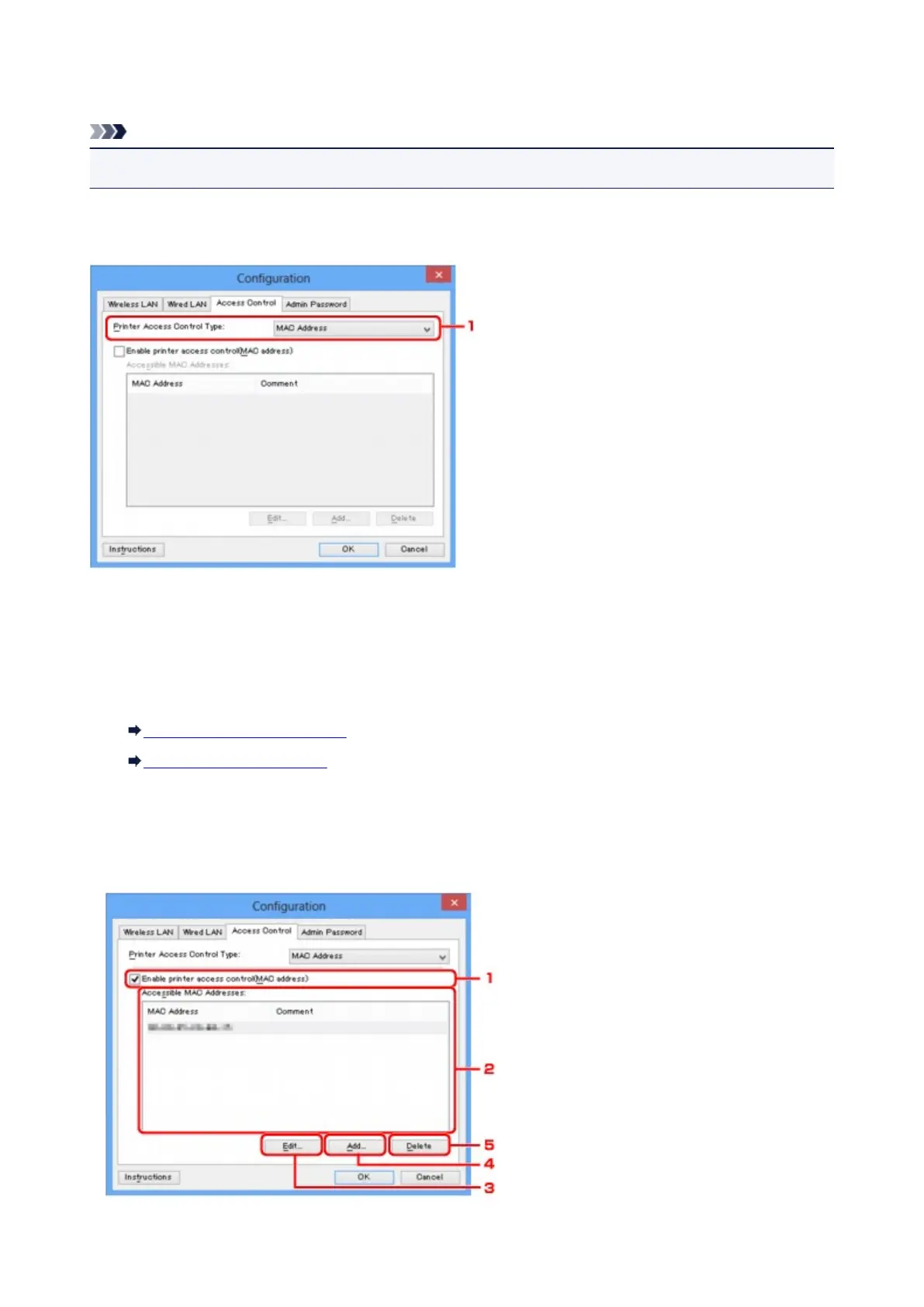
Access Control Sheet
Note
• This screen is not available depending on the printer you are using.
You can register the MAC addresses or the IP addresses of computers or network devices to allow access.
To display the Access Control sheet, click the Access Control tab on the Configuration screen.
1.
Printer Access Control Type:
Select the type of access control with which to limit access of computers or network devices to the
printer over a network.
The setting items may differ depending on the choice of access control methods.
When Selecting MAC address
When Selecting IP address
When Selecting MAC address
The accessible computers or network devices are specified by their MAC addresses. Computers or
network devices whose MAC addresses appear on the list are allowed access.
215













 To Next Page