Setting the Stapling Margin
The procedure for setting the staple side and the margin width is as follows:
1.
Open the printer driver setup window
2.
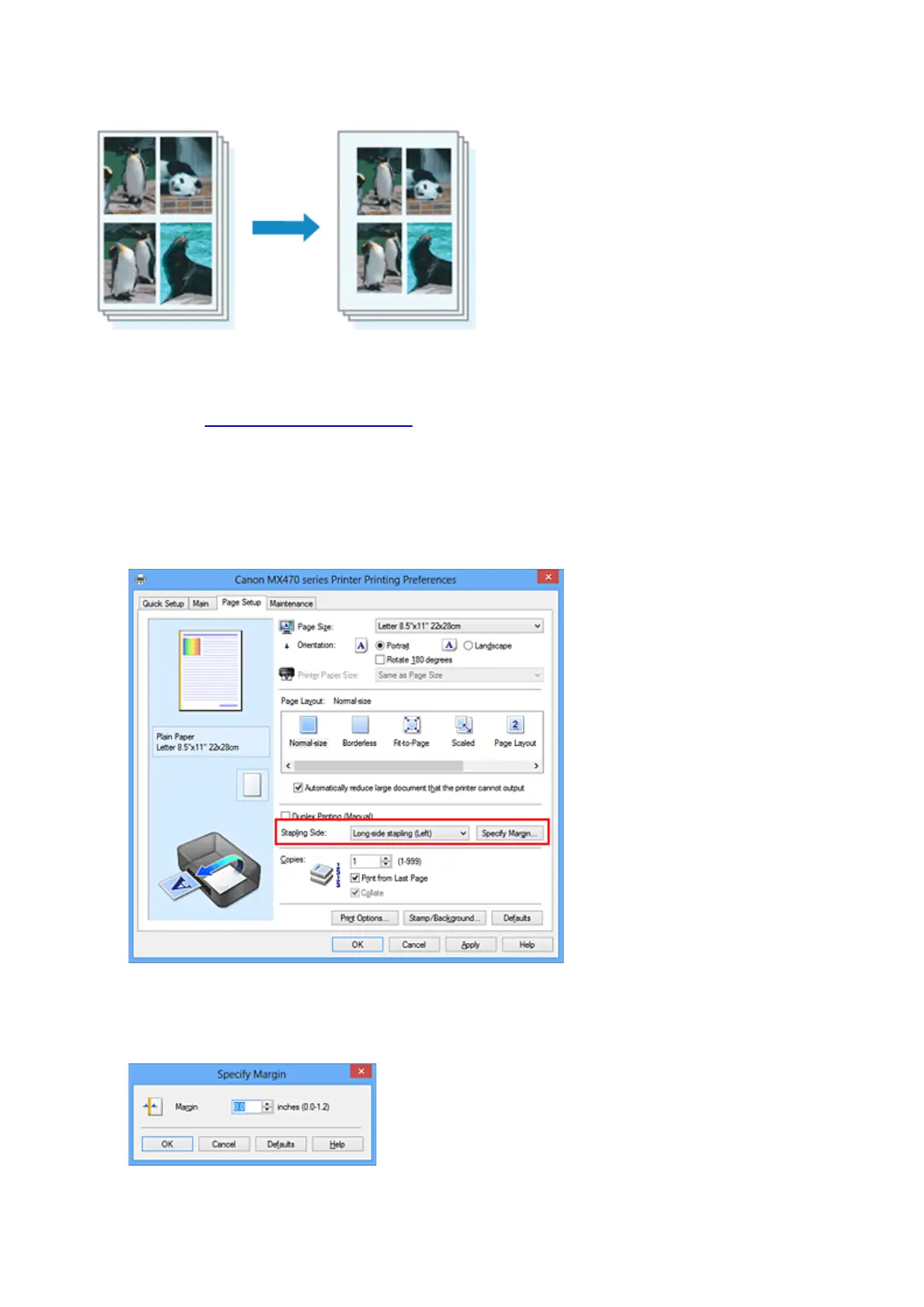
Specify the side to be stapled
Check the position of the stapling margin from Stapling Side on the Page Setup tab.
The printer analyzes the Orientation and Page Layout settings, and automatically selects the best
staple position. When you want to change the setting, select from the list.
3. Set the margin width
If necessary, click Specify Margin... and set the margin width, and then click OK.
268













 To Next Page