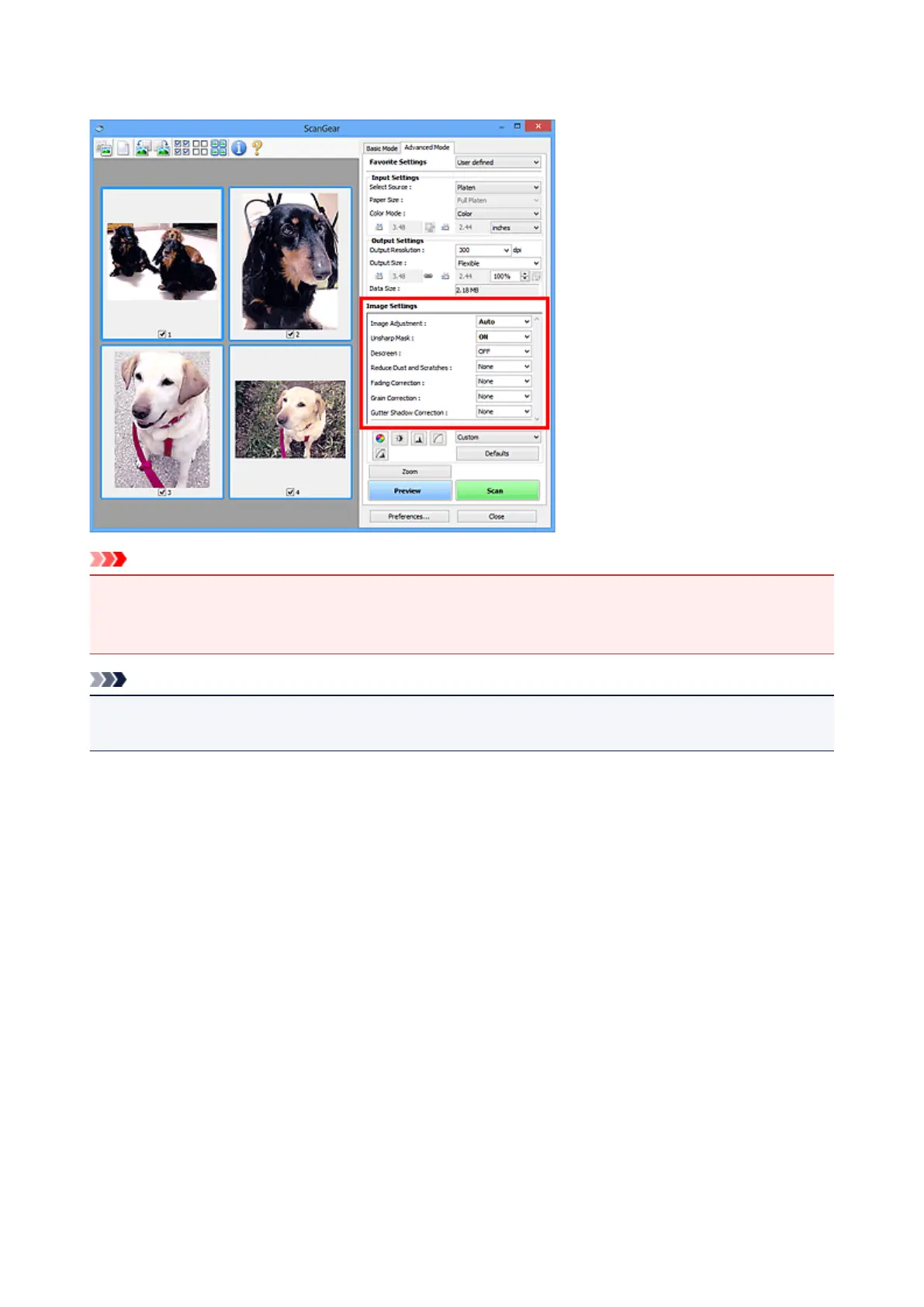
Image Settings
Important
• Do not apply these functions to images without moire, dust/scratches, or faded colors. The color tone
may be adversely affected.
• Image correction results may not be reflected in the preview image.
Note
• Selectable settings depend on Color Mode settings.
• Scanning may take longer than usual when you use Image Settings.
Image Settings allows you to set the following items:
Image Adjustment
When Image Adjustment is set, the brightness of the specified portion of the image is optimized. Images
can be adjusted according to the automatically detected document type or the specified document type.
The result of the adjustment will be reflected in the entire image.
None
Image Adjustment will not be applied.
Auto
Applies Image Adjustment by automatically detecting the document type. It is recommended that
you normally select this setting.
Photo
Applies Image Adjustment suitable for photos.
Magazine
Applies Image Adjustment suitable for magazines.
Document
Applies Image Adjustment suitable for text documents.
550













 To Next Page