Scanning Photos
You can scan photos placed on the platen with settings suitable for photos.
1. Place the photo on the platen.
Placing Items (When Scanning from a Computer)
2. Start IJ Scan Utility.
3.
Click Settings..., then set the paper size, resolution, etc. in the Settings (Photo Scan)
dialog box as required.
When setting is completed, click OK.
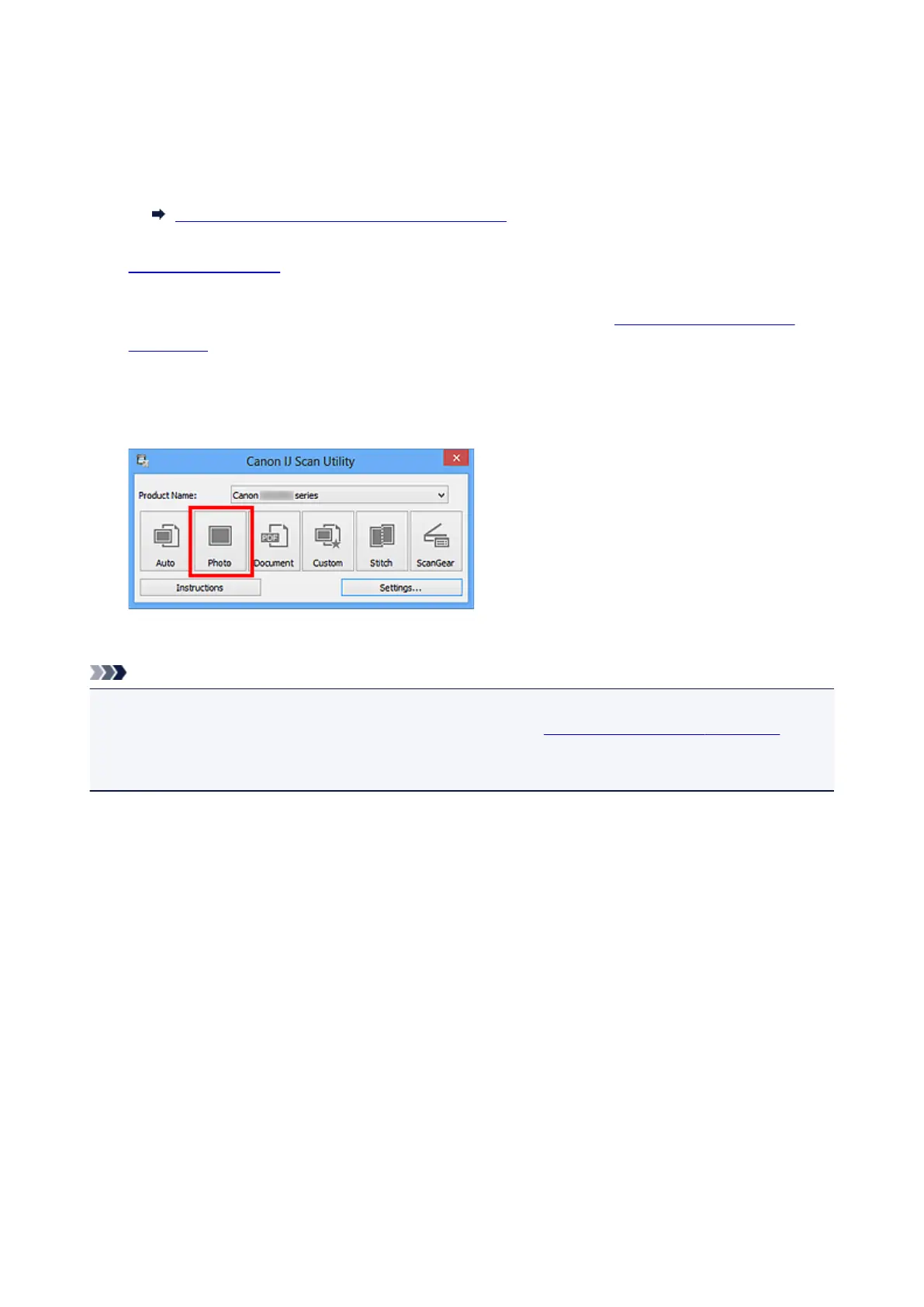
4.
Click Photo.
Scanning starts.
Note
• Click Cancel to cancel the scan.
• Scanned images are saved in the folder set for Save in in the Settings (Photo Scan) dialog box
displayed by clicking Settings.... In the Settings (Photo Scan) dialog box, you can also make
advanced scan settings.
423













 To Next Page