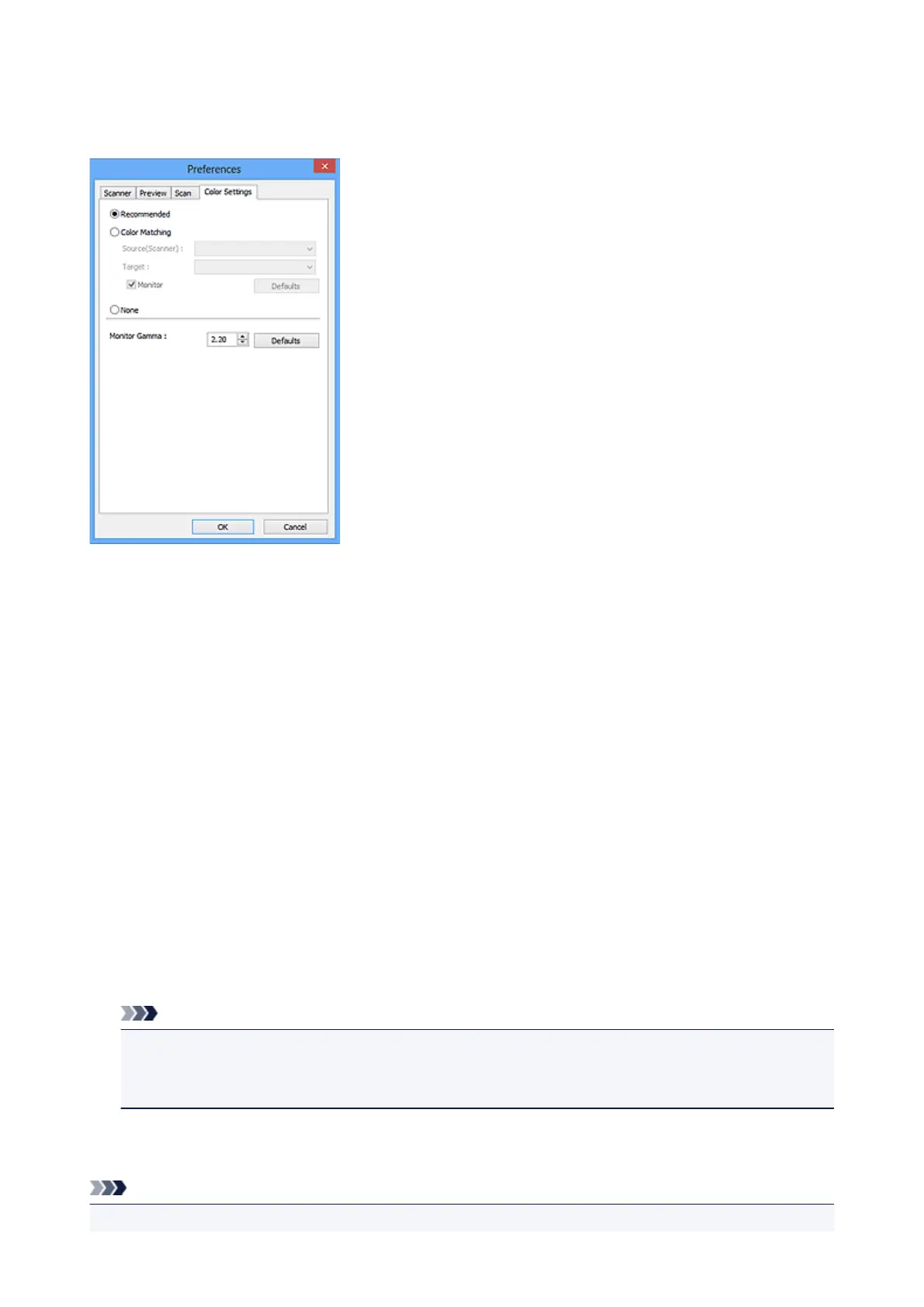
Color Settings Tab
On the Color Settings tab, you can specify the following settings.
Color Adjustment
Select one of the following.
Recommended
Select this to vividly reproduce the tone of a document on the screen. It is recommended that you
normally select this setting.
Color Matching
Select this to automatically match the scanner, monitor, and color printer colors, thus reducing time and
trouble to manually match the monitor and printer colors.
Source(Scanner)
Select scanner profile.
Target
Select target profile.
Monitor
Select this checkbox to display preview image with optimum correction for monitor.
Defaults
Returns to the default Color Matching settings.
Note
• The Color Adjustment Buttons on the Advanced Mode tab are not available when you select
Color Matching.
• This function is available when Color Mode is Color.
None
Select this to disable color correction provided by ScanGear (scanner driver).
Note
• You can select one when Color Mode is Color or Grayscale.
565













 To Next Page