Saving after Checking Scan Results
You can check the scan results, then save the images to a computer.
Important
• You cannot check the scan results before saving when scanned using Auto scan or the operation
panel.
Note
• The screens for scanning photos are used as examples in the following descriptions.
1.
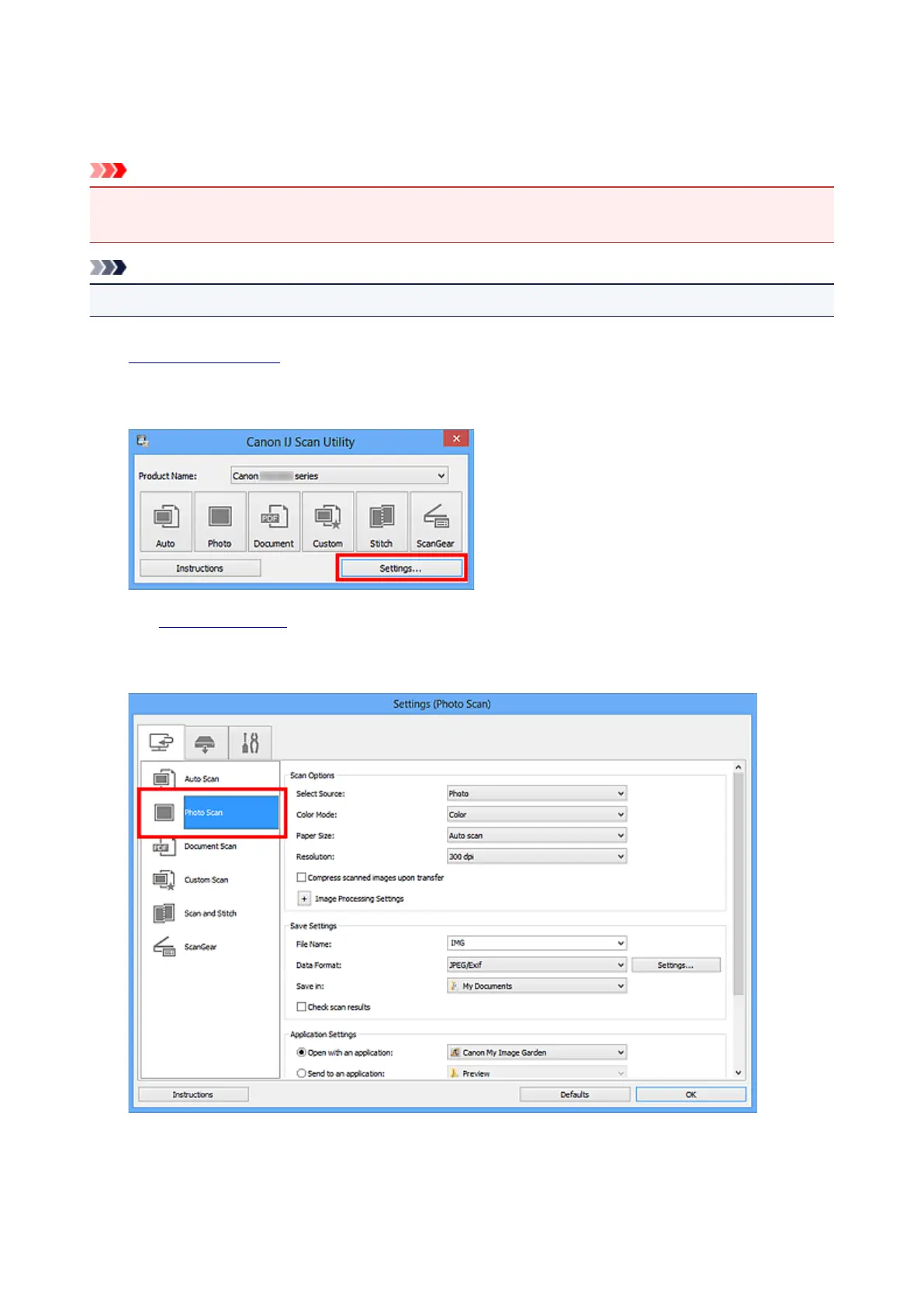
Start IJ Scan Utility.
2.
Click Settings....
The Settings dialog box appears.
3.
Click Photo Scan.
4. Select the Check scan results checkbox, then click OK.
437













 To Next Page