When the Printer Driver Is Not Associated with a Port
If No Driver is displayed for the printer's name on the Canon IJ Network Tool screen, the printer driver is
not associated with a created port.
To associate a port with a printer driver, follow the procedure below.
1.
Start up IJ Network Tool.
2.
Select the printer displayed as No Driver on Name.
3.
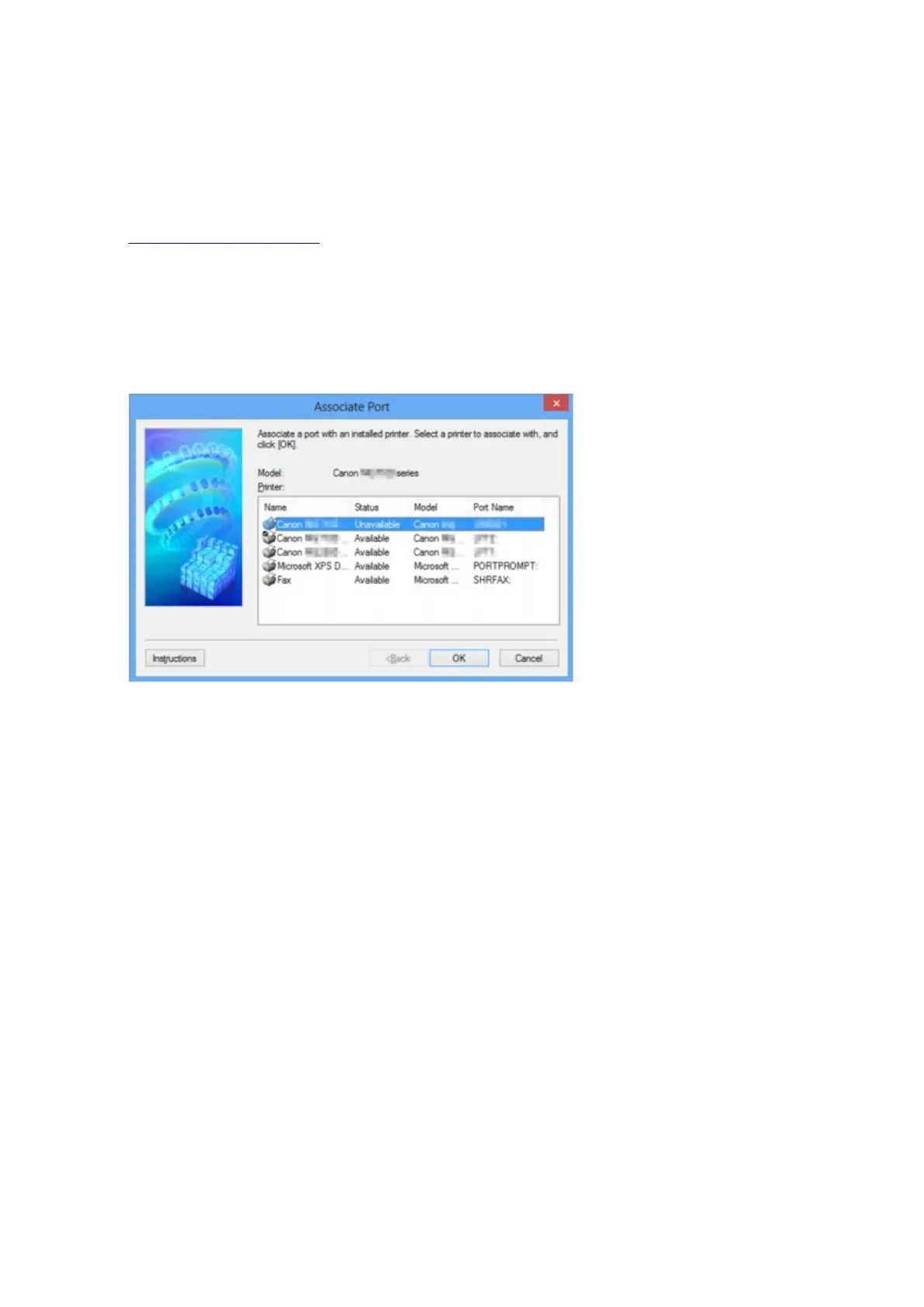
Select Associate Port... on the Settings menu.
The Associate Port screen is displayed.
4.
Select a printer to associate with a port.
The list of the printers that the printer driver is installed is displayed at Printer: on the Associate Port
screen. Select a printer to associate with a created port.
5.
Click OK.
236













 To Next Page