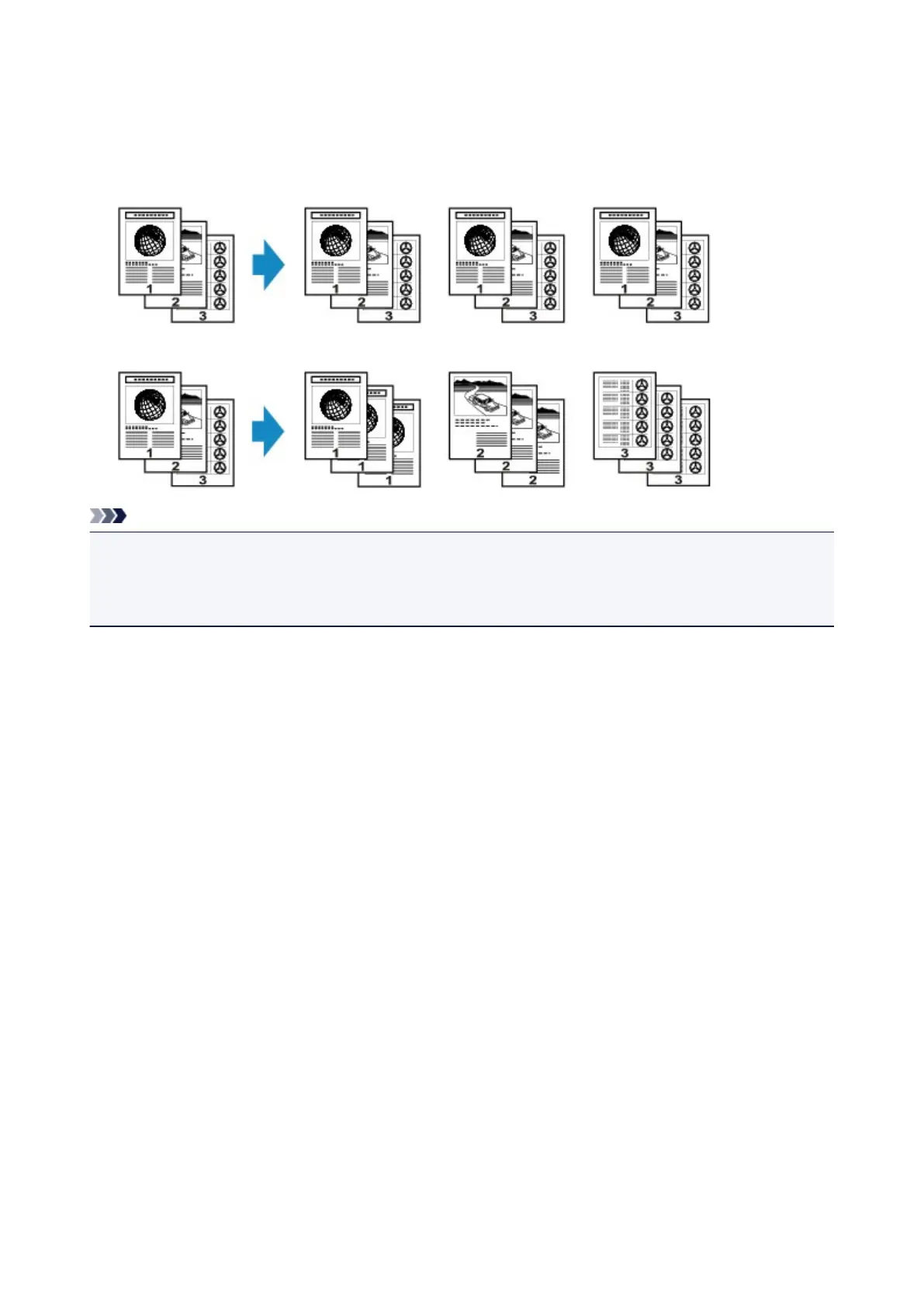
Collated Copying
When you select ON for Collate on Copy menu, you can obtain sorted printouts when making multiple
copies of a multi-paged original.
• When ON is selected:
• When OFF is selected:
Note
• When you use this function, load the original in the ADF.
• The number of pages the machine can read varies with the document. If Memory is full appears on the
LCD when scanning, reduce the number of document pages to scan and try copying again.
415













 To Next Page