Preventing Mistransmission of Faxes
This machine has two functions for preventing the mistransmission of faxes.
• Sending faxes after entering the fax/telephone number twice
This function requires you to re-enter the fax/telephone number after entering the number using the
Numeric buttons, so that the machine prevents you from misdialing.
Sending Faxes after Dialing Twice (Fax Number Re-entry)
• Sending faxes after the machine checks the recipient's fax machine information
Before sending a fax, the machine checks whether the recipient's fax machine information matches the
dialed number.
Sending Faxes after Checking Information (Checking the Recipient's Information)
Sending Faxes after Dialing Twice (Fax Number Re-entry)
Set FAX no. re-entry to ON following the procedure below.
1.
Make sure that the machine is turned on.
2.
Press the Setup button.
The Setup menu screen is displayed.
3.
Use the button to select Fax settings, then press the OK button.
4.
Use the button to select Security control, then press the OK button.
5.
Use the button to select FAX no. re-entry, then press the OK button.
6.
Use the button to select ON, then press the OK button.
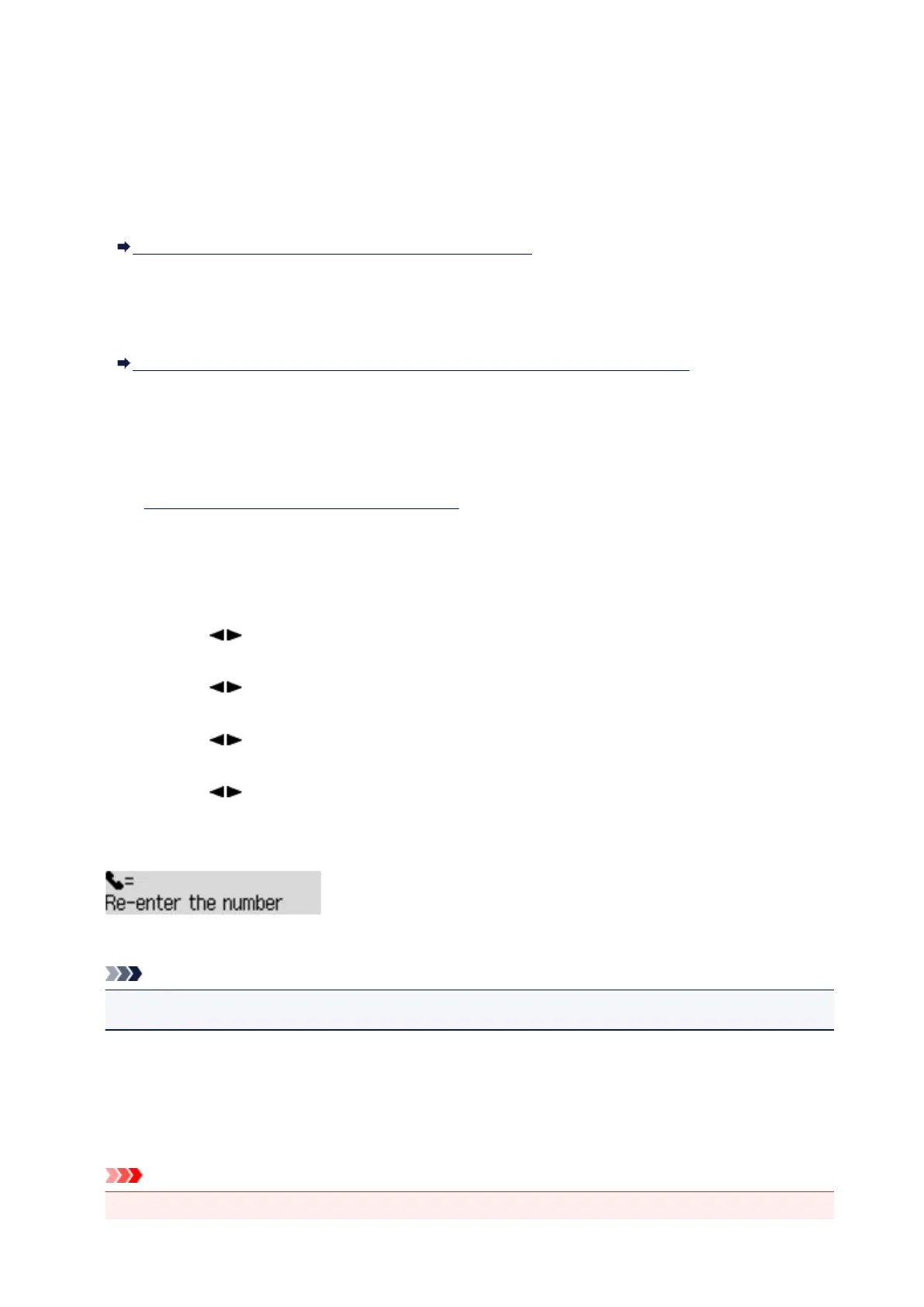
If you send a fax with this function, the following screen is displayed after entering the recipient's fax/
telephone number using the Numeric buttons.
Enter the recipient's fax/telephone number using the Numeric buttons again.
Note
• If the number is not identical with the number entered first, the Fax standby screen is displayed.
Sending Faxes after Checking Information (Checking the Recipient's
Information)
Set Check RX FAX info to ON following the procedure below.
Important
• This function is not available when you send a fax manually.
641













 To Next Page