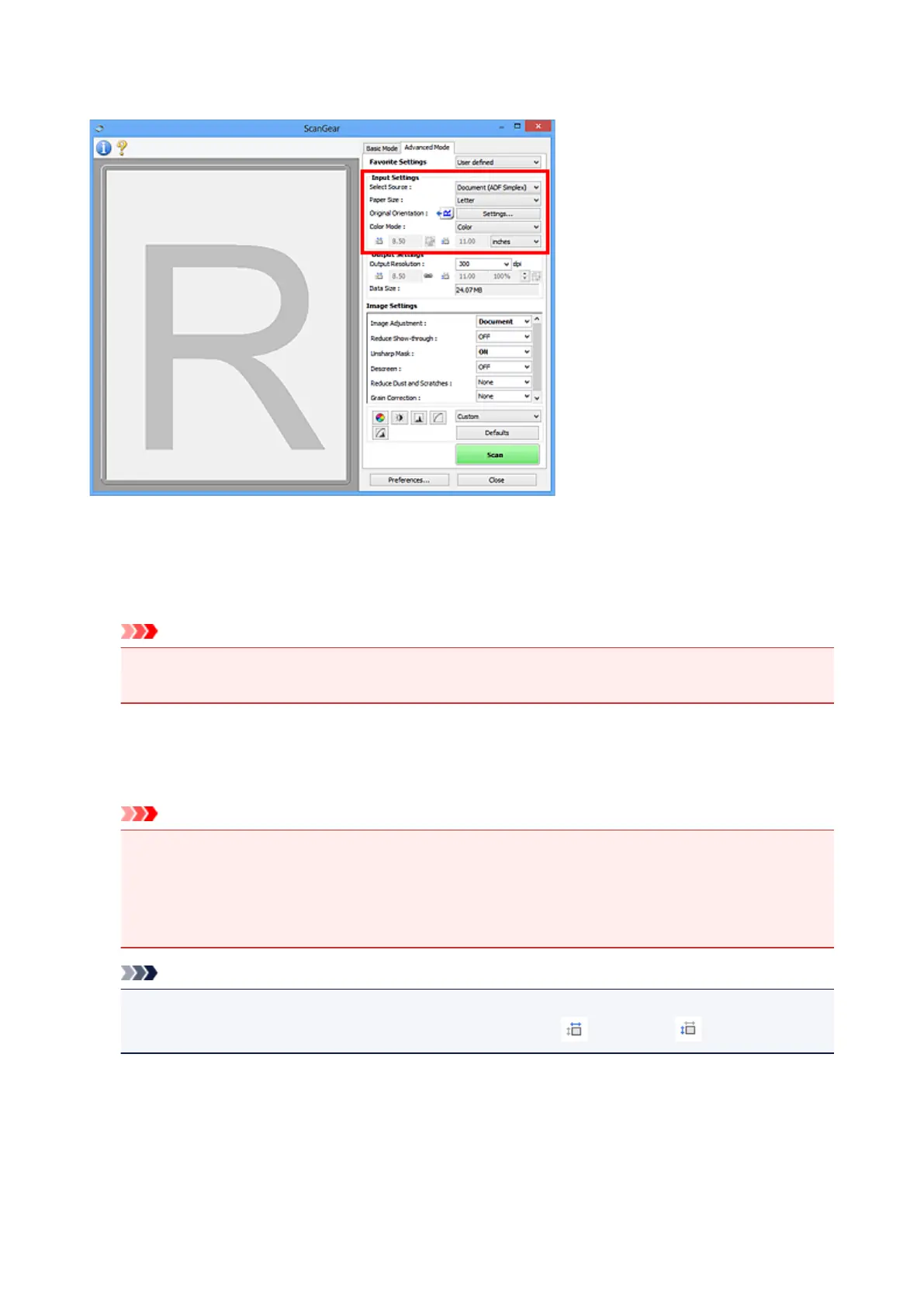
Input Settings
Input Settings allows you to set the following items:
Select Source
The type of document to be scanned is displayed. To scan from the Platen, select Platen; to scan from
the ADF (Auto Document Feeder), select Document (ADF Simplex).
Important
• Some applications do not support continuous scanning from the ADF. For details, refer to the
application's manual.
Paper Size
Select the size of the document to be scanned. This setting is available in whole image view only.
When you select a size, the Preview area size changes accordingly.
Important
• Some applications have a limit to the amount of scan data they can receive. Available scan range
is as follows.
• 21000 pixels x 30000 pixels or less
• If you change Paper Size after previewing, the preview image will be deleted.
Note
• If you are not sure which size you should select for Paper Size, set Paper Size to Full Platen, then
measure the size of the document and enter the values into (Width) and (Height).
Original Orientation
Set the orientation of the documents to scan from the ADF.
Click Settings... to open the Orientation dialog box.
545













 To Next Page