Note
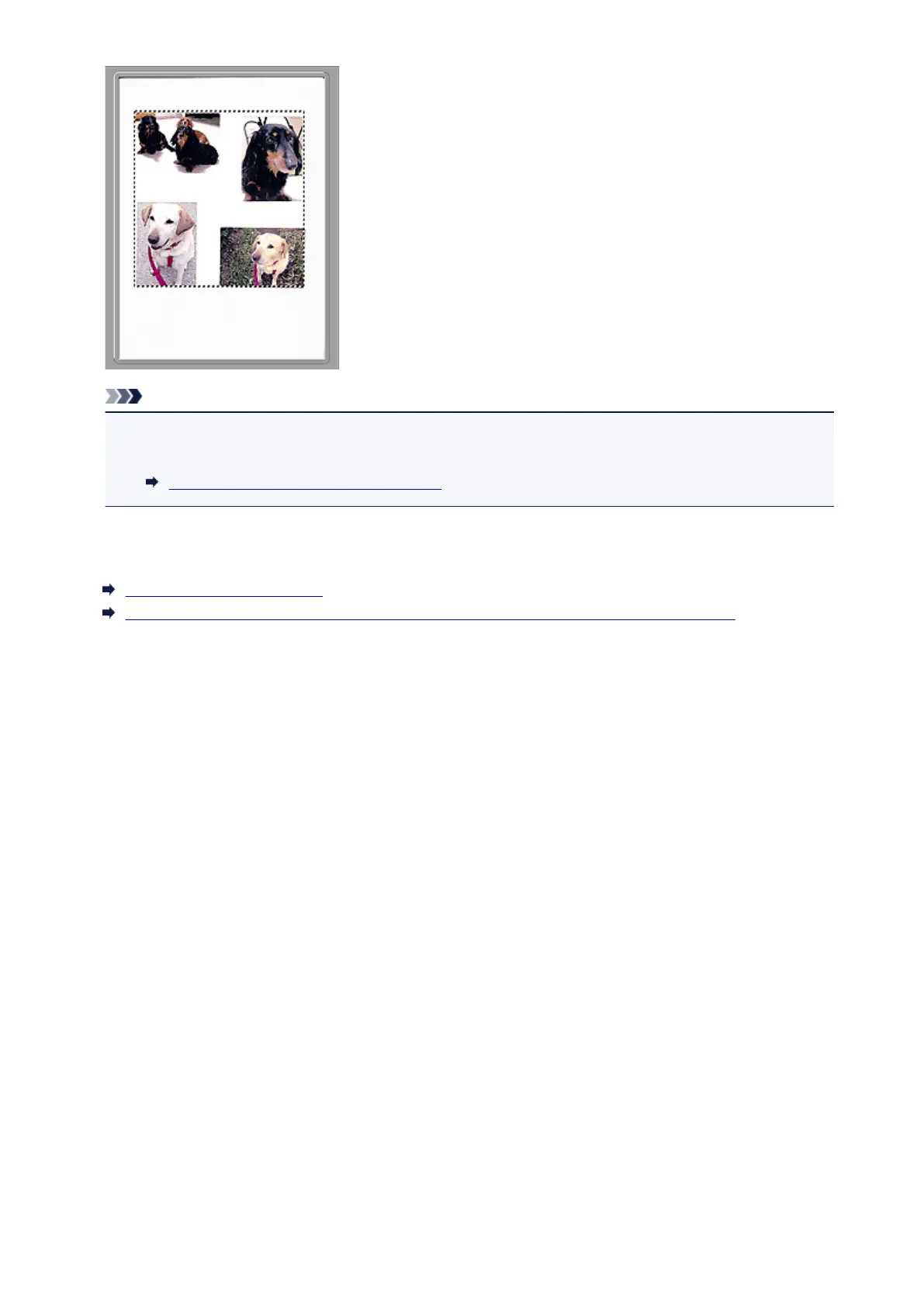
• You can specify the cropping frame on the displayed image. In thumbnail view, you can only create
one cropping frame per image. In whole image view, you can create multiple cropping frames.
Adjusting Cropping Frames (ScanGear)
Related Topic
Scanning in Advanced Mode
Scanning Multiple Documents from the ADF (Auto Document Feeder) in Advanced Mode
544













 To Next Page