Edit Accessible MAC Address Screen/Add Accessible MAC
Address Screen
Note
• This screen is not available depending on the printer you are using.
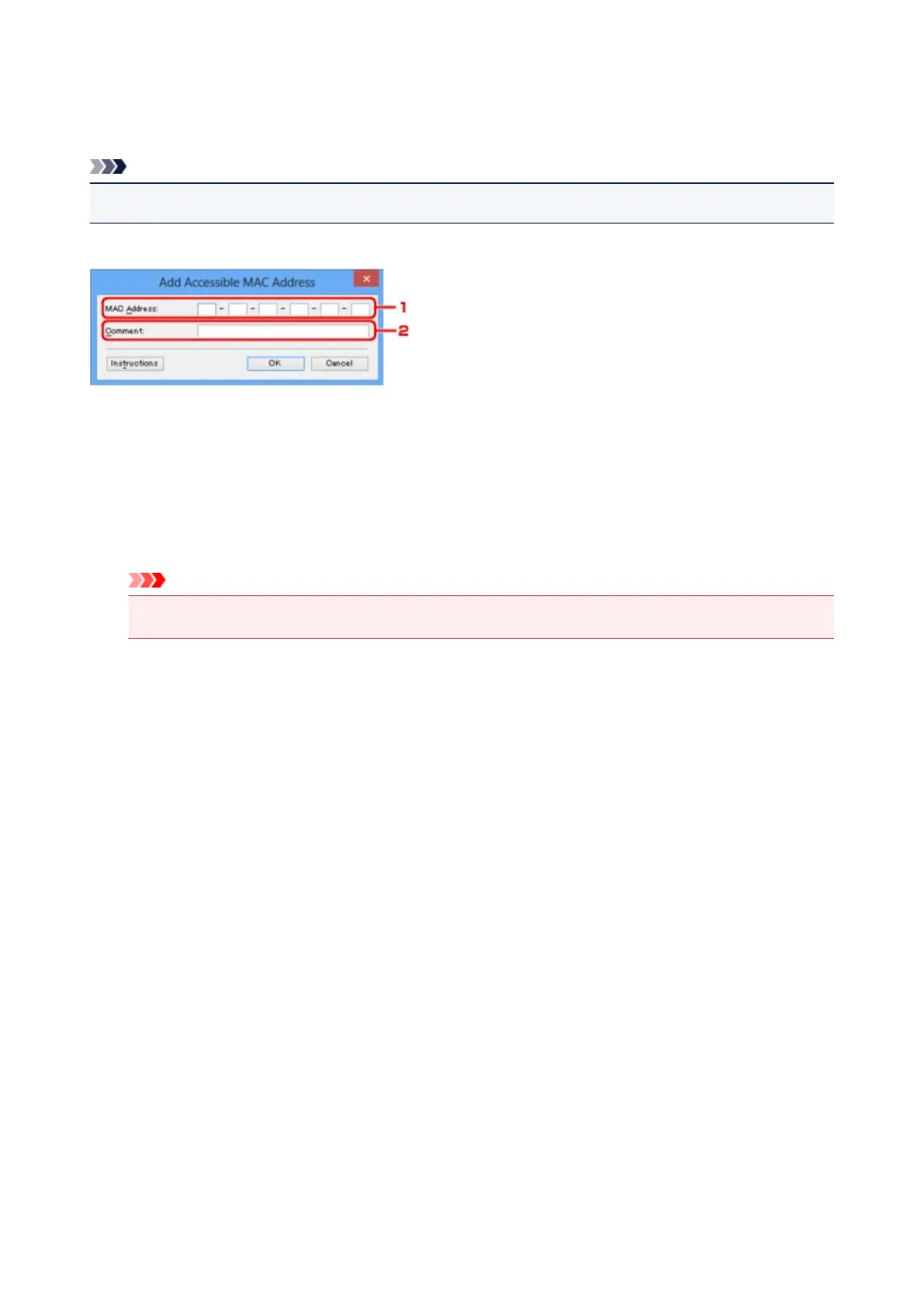
The example screenshots in this section refer to the Add Accessible MAC Address Screen.
1.
MAC Address:
Enter the MAC address of a computer or a network device to allow access.
2.
Comment:
Optionally enter any information to identify the device, such as the name of the computer.
Important
• Comments will be displayed only on the computer used to enter them.
219













 To Next Page