Checking the Ink Status from Your Computer
You can check the remaining ink level and the FINE cartridge types for your model.
1. Open the printer driver setup window
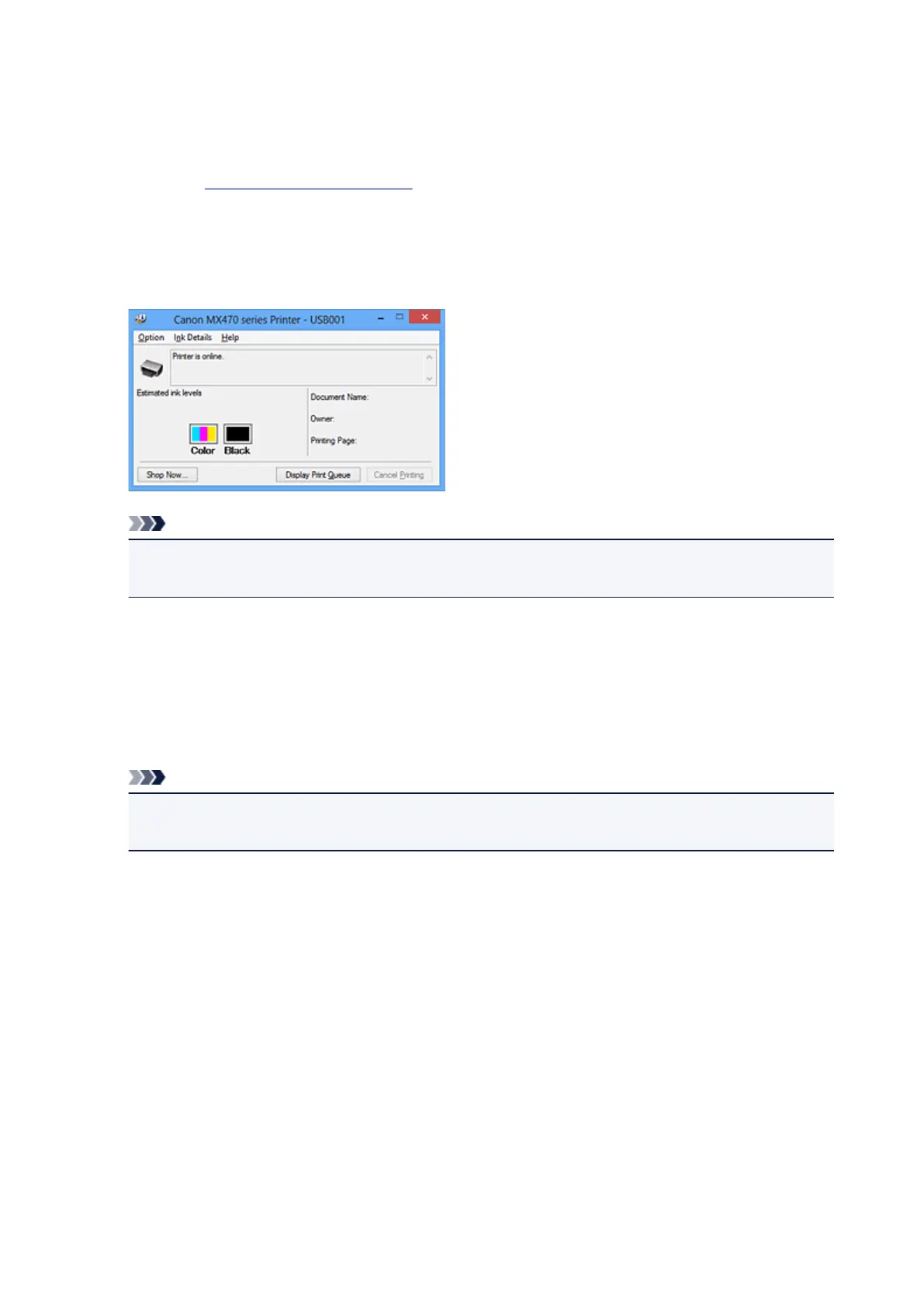
2. Launching the Canon IJ Status Monitor
On the Maintenance tab, click View Printer Status.
The Canon IJ Status Monitor opens and displays an image of the ink status.
Note
• The information displayed on the Canon IJ Status Monitor may differ depending on the country or
region where you are using your machine.
3.
If necessary, click Ink Details
You can check the ink-related information.
If a warning or error related to the remaining ink amount occurs, a notification icon is displayed at the top
of the image in the Ink Details dialog box.
In such cases, take the appropriate action as described on the screen.
Note
•
You can also display the Ink Details dialog box by selecting the ink icon on the Canon IJ Status
Monitor.
339













 To Next Page