Adjusting Brightness and Contrast
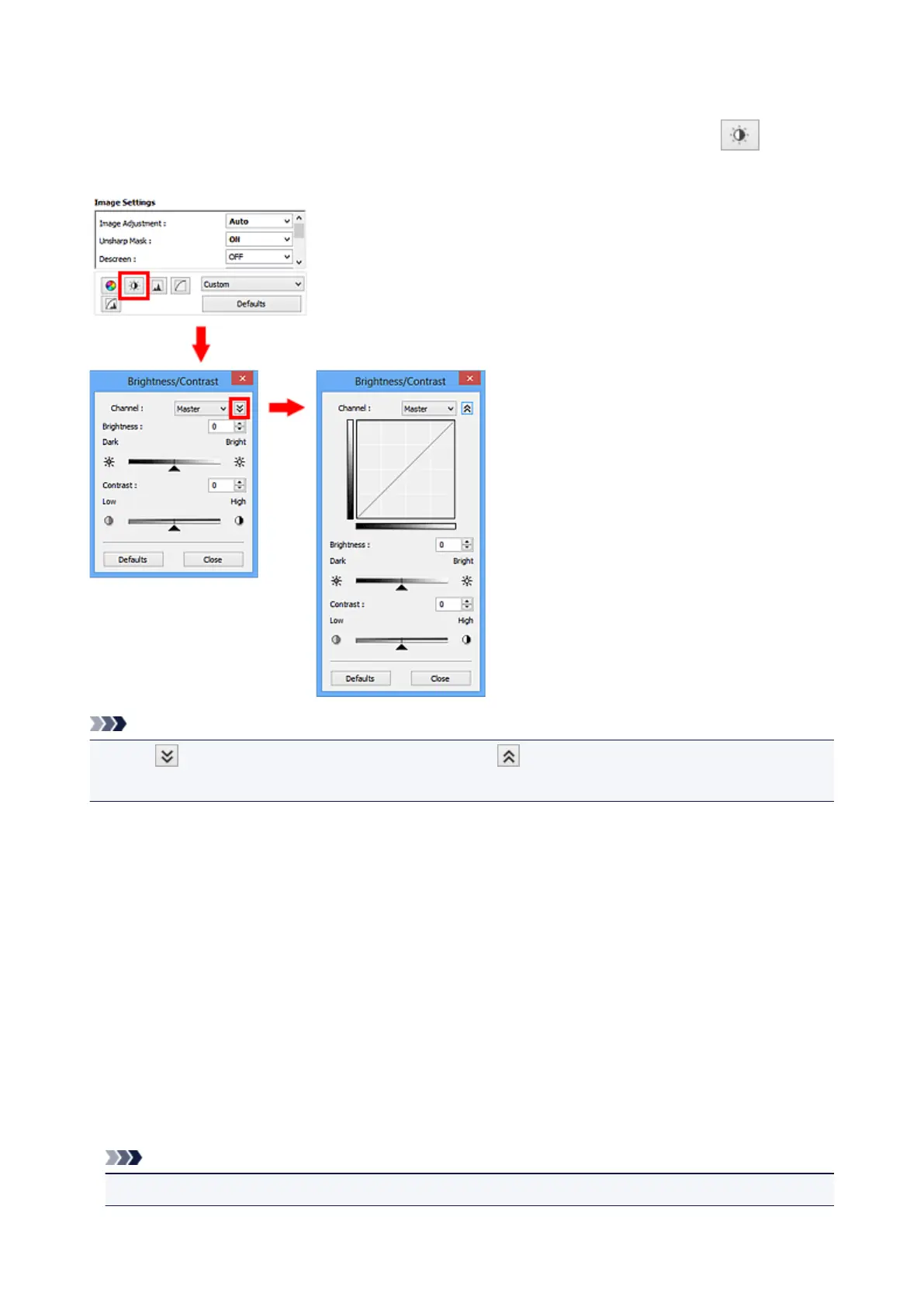
You can adjust images that are too dark or bright, or too flat due to lack of contrast by using
(Brightness/Contrast) in ScanGear (scanner driver)'s Advanced Mode tab.
Note
• Click (Down arrow) to switch to detailed view. Click (Up arrow) to return to the previous view.
• Click Defaults to reset all adjustments in the current window.
Channel
Each dot of an image is a mixture of Red, Green, and Blue in various proportions (gradation). These
colors can be adjusted individually as a "channel."
Master
Adjust the Red, Green, and Blue combined.
Red
Adjust the Red channel.
Green
Adjust the Green channel.
Blue
Adjust the Blue channel.
Note
• Only Grayscale will be displayed in Channel when Color Mode is Grayscale.
521













 To Next Page