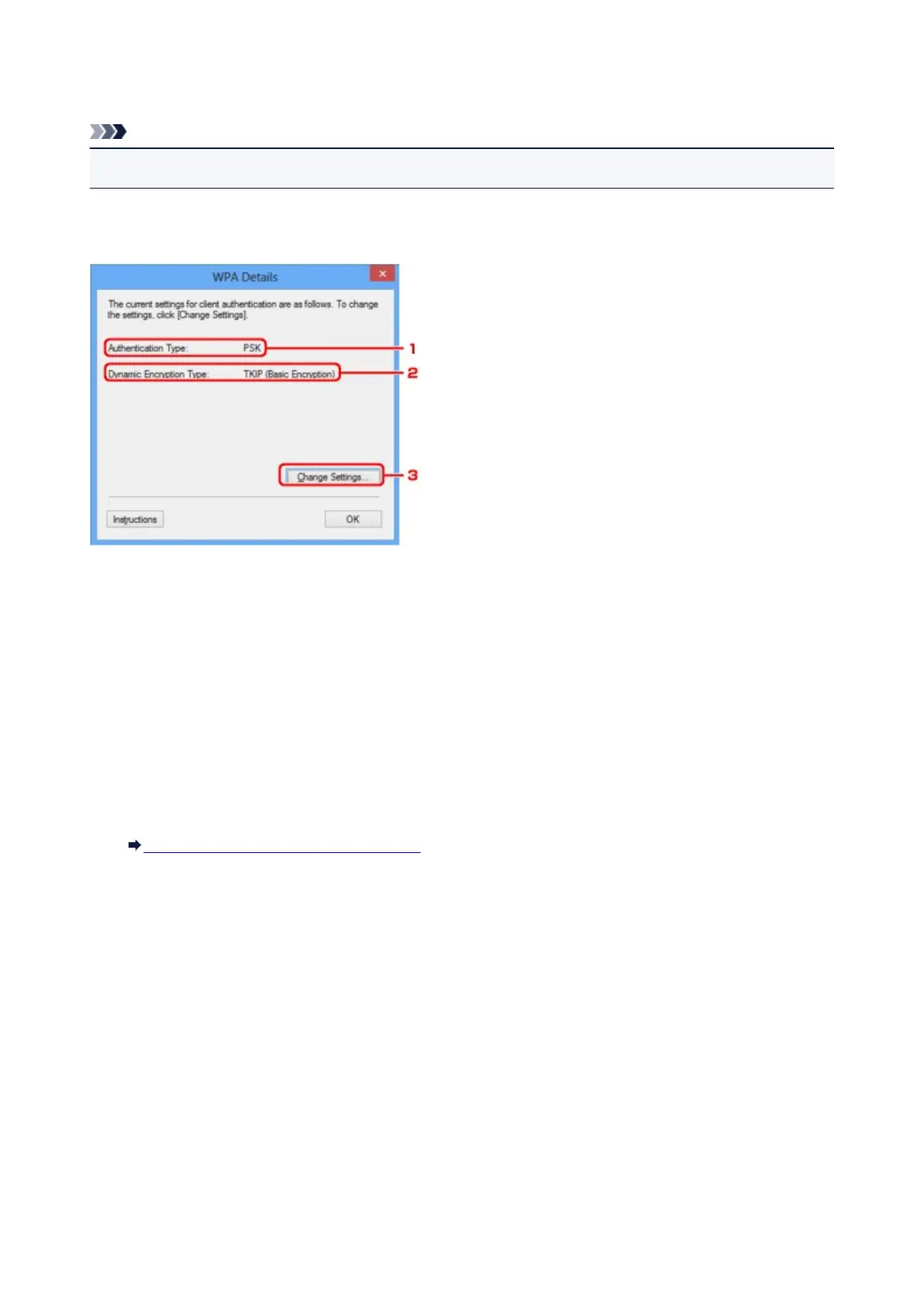
WPA Details Screen
Note
• This screen is not available depending on the printer you are using.
Specify the printer WPA settings.
The value displayed on the screen differs depending on the present settings.
1.
Authentication Type:
Displays the type of authentication used for client authentication. This machine supports the PSK
authentication method.
2.
Dynamic Encryption Type:
Displays the dynamic encryption method.
3.
Change Settings...
Displays the Authentication Type Confirmation screen.
Authentication Type Confirmation Screen
207













 To Next Page