Important
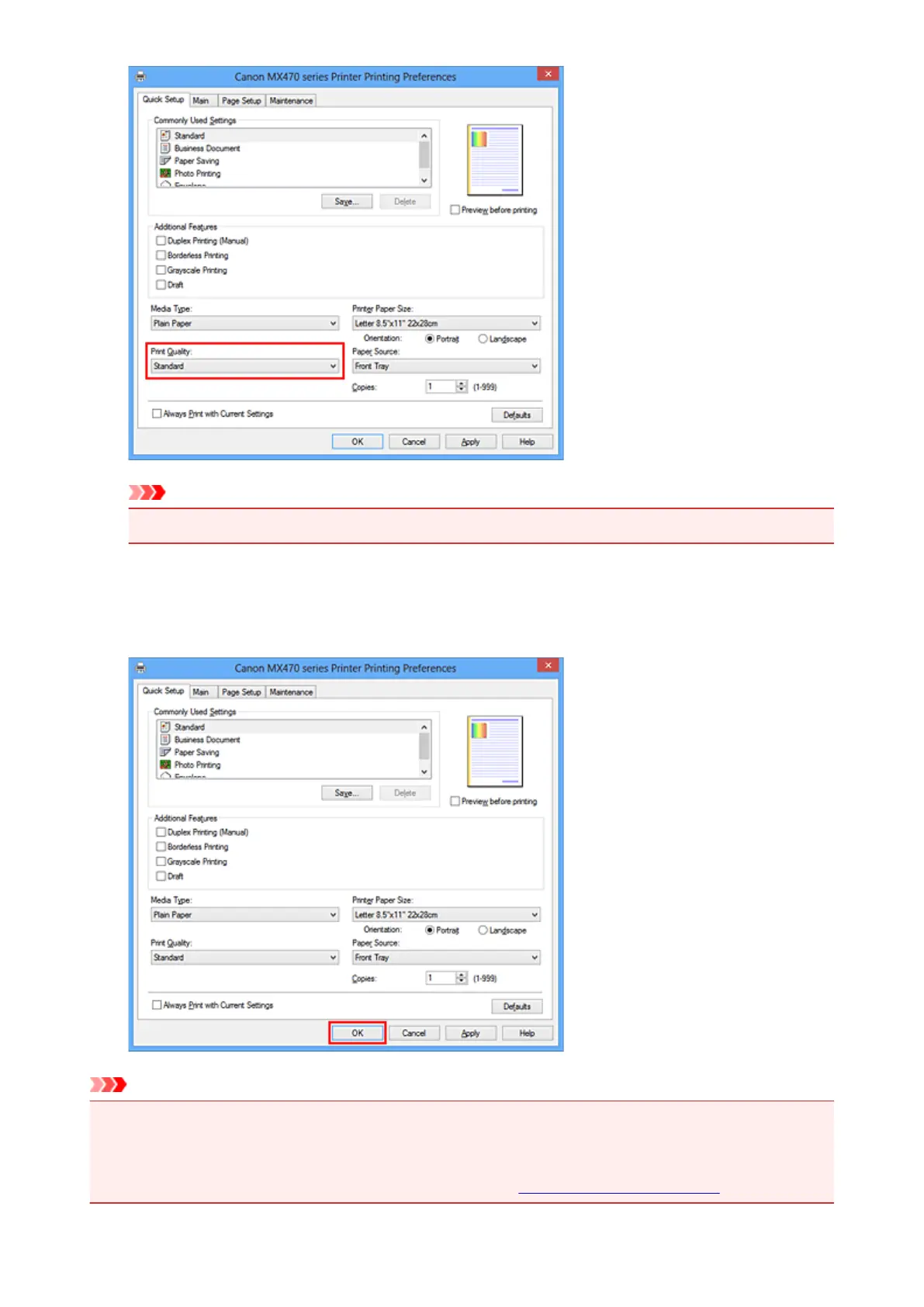
• The print quality settings that can be selected may differ depending on a printing profile.
6.
Complete the setup
Click OK.
When you execute print, the document is printed with settings that match your purpose.
Important
• When you select the Always Print with Current Settings check box, all settings specified on the
Quick Setup, Main, and Page Setup tabs are saved, and you can print with the same settings from the
next time as well.
• In the Commonly Used Settings window, click Save... to register the specified settings.
262













 To Next Page