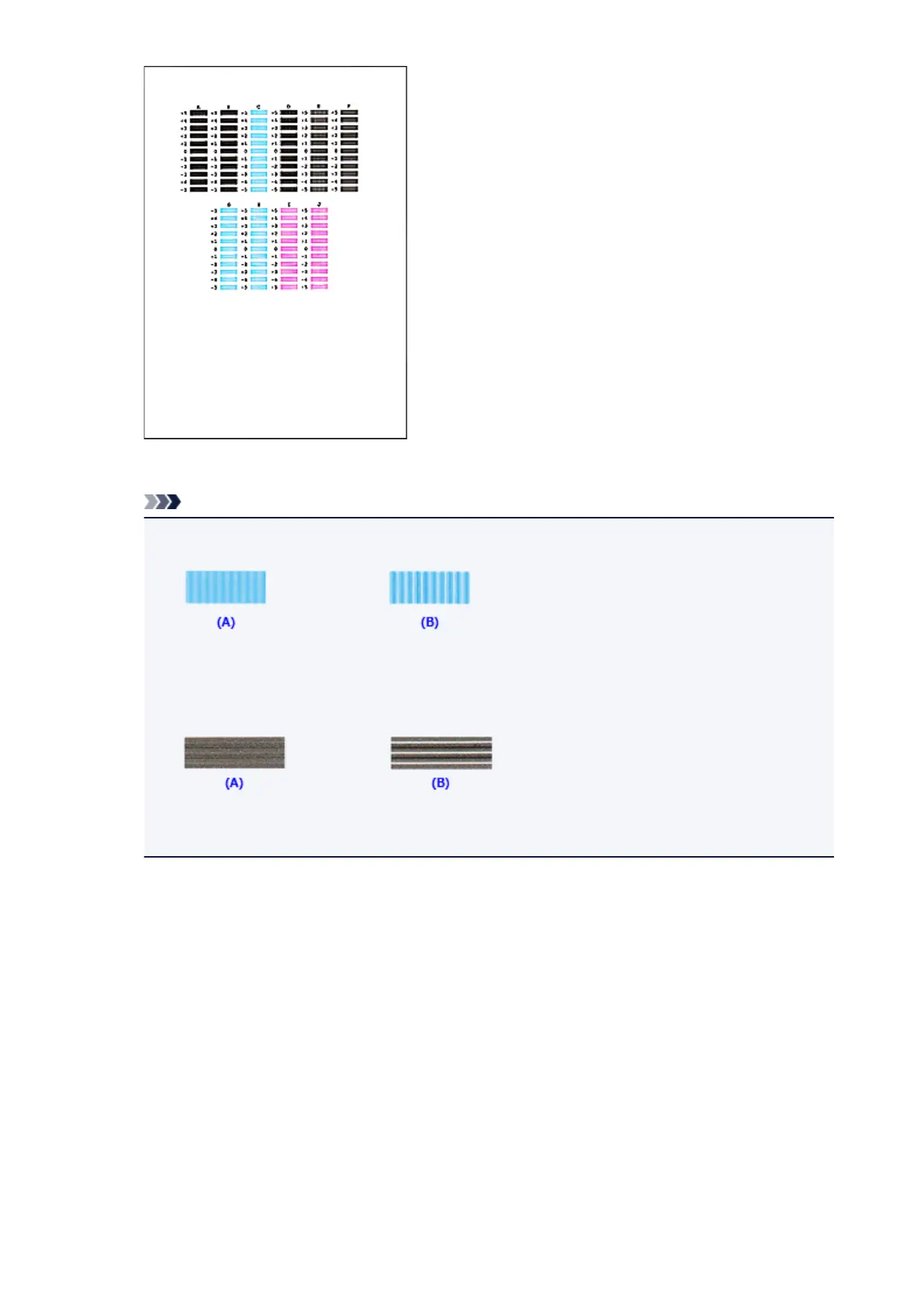
When you have entered all the necessary values, click OK.
Note
• If it is difficult to pick the best pattern, pick the setting that produces the least noticeable vertical
streaks.
(A) Least noticeable vertical streaks
(B) Most noticeable vertical streaks
• If it is difficult to pick the best pattern, pick the setting that produces the least noticeable
horizontal streaks.
(A) Least noticeable horizontal streaks
(B) Most noticeable horizontal streaks
9. Confirm the displayed message and click OK
The second pattern is printed.
10. Check the printed pattern
Enter the numbers of the patterns with the least amount of streaks in the associated boxes.
Even if the patterns with the least amount of streaks are clicked in the preview window, their numbers
are automatically entered in the associated boxes.
129













 To Next Page