When you have entered all the necessary values, click OK.
Note
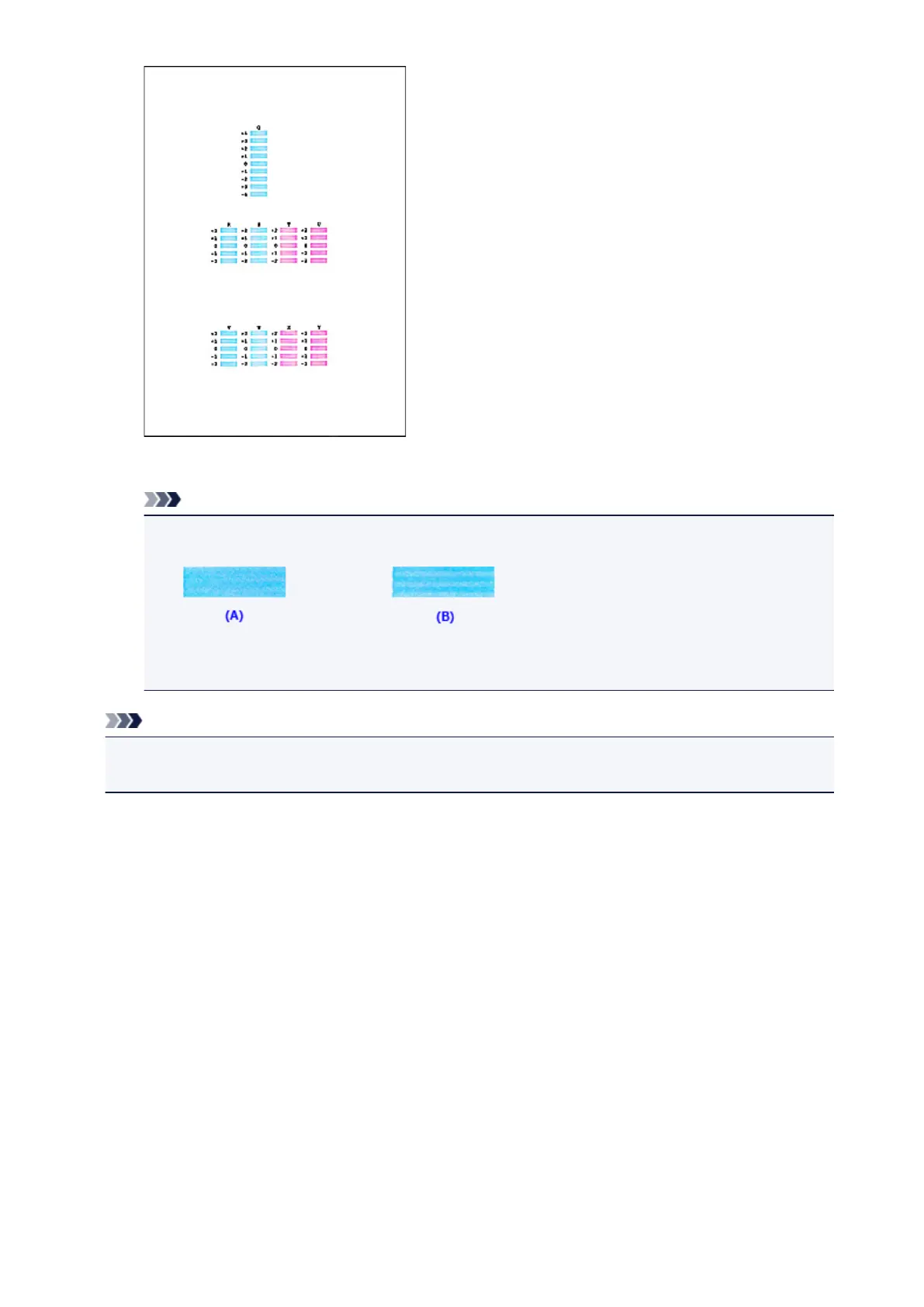
• If it is difficult to pick the best pattern, pick the setting that produces the least noticeable
horizontal stripes.
(A) Least noticeable horizontal stripes
(B) Most noticeable horizontal stripes
Note
• To print and check the current setting, open the Start Print Head Alignment dialog box, and click
Print Alignment Value.
131













 To Next Page