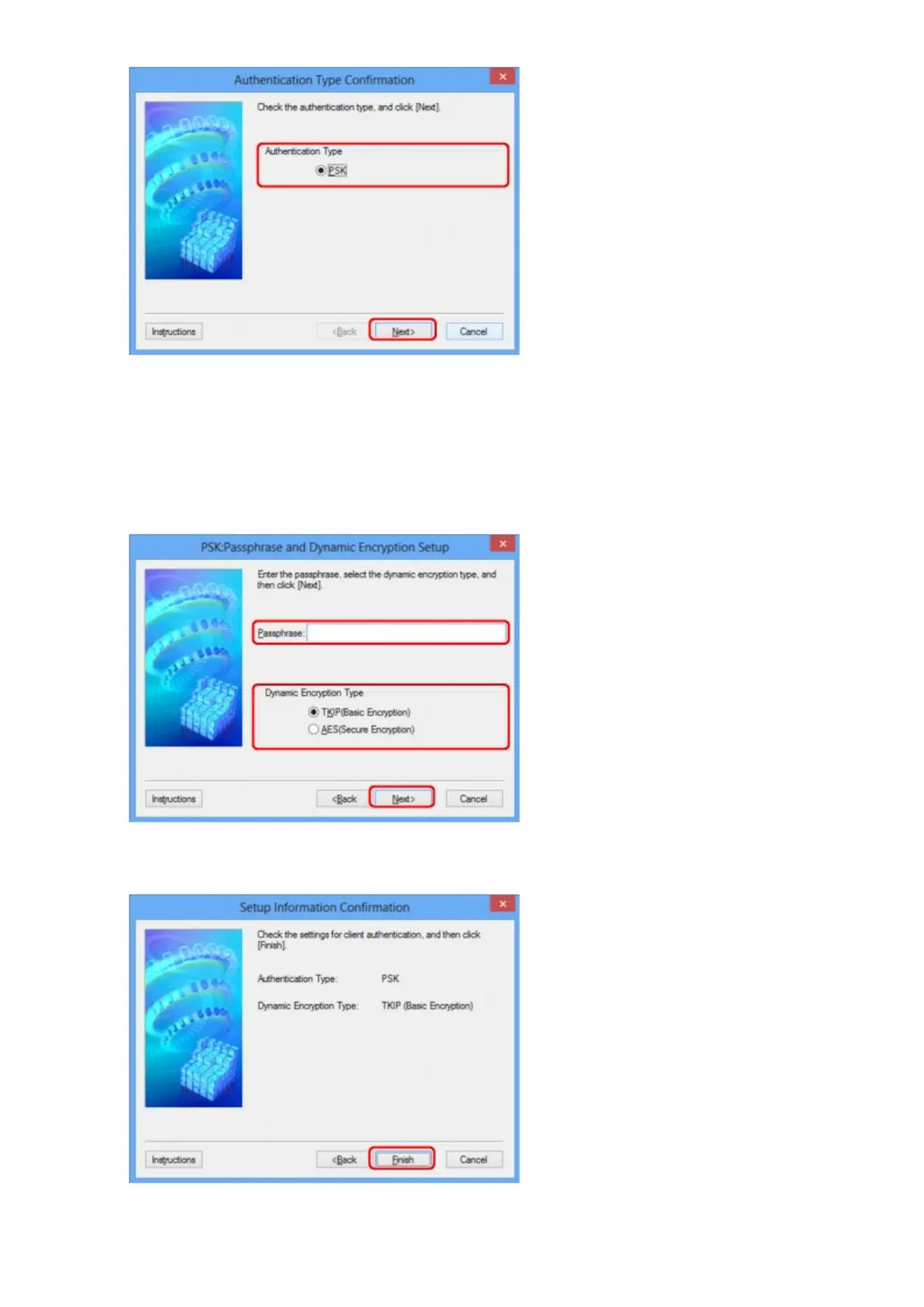
8.
Enter the passphrase, confirm the type of dynamic encryption and click Next>.
Enter the passphrase set to the access point. The passphrase should be a string of 8 to 63 alphanumeric
characters or a 64-digit hexadecimal value.
If you do not know the access point passphrase, refer to the instruction manual provided with the access
point or contact its manufacturer.
9.
Click Finish.
188













 To Next Page