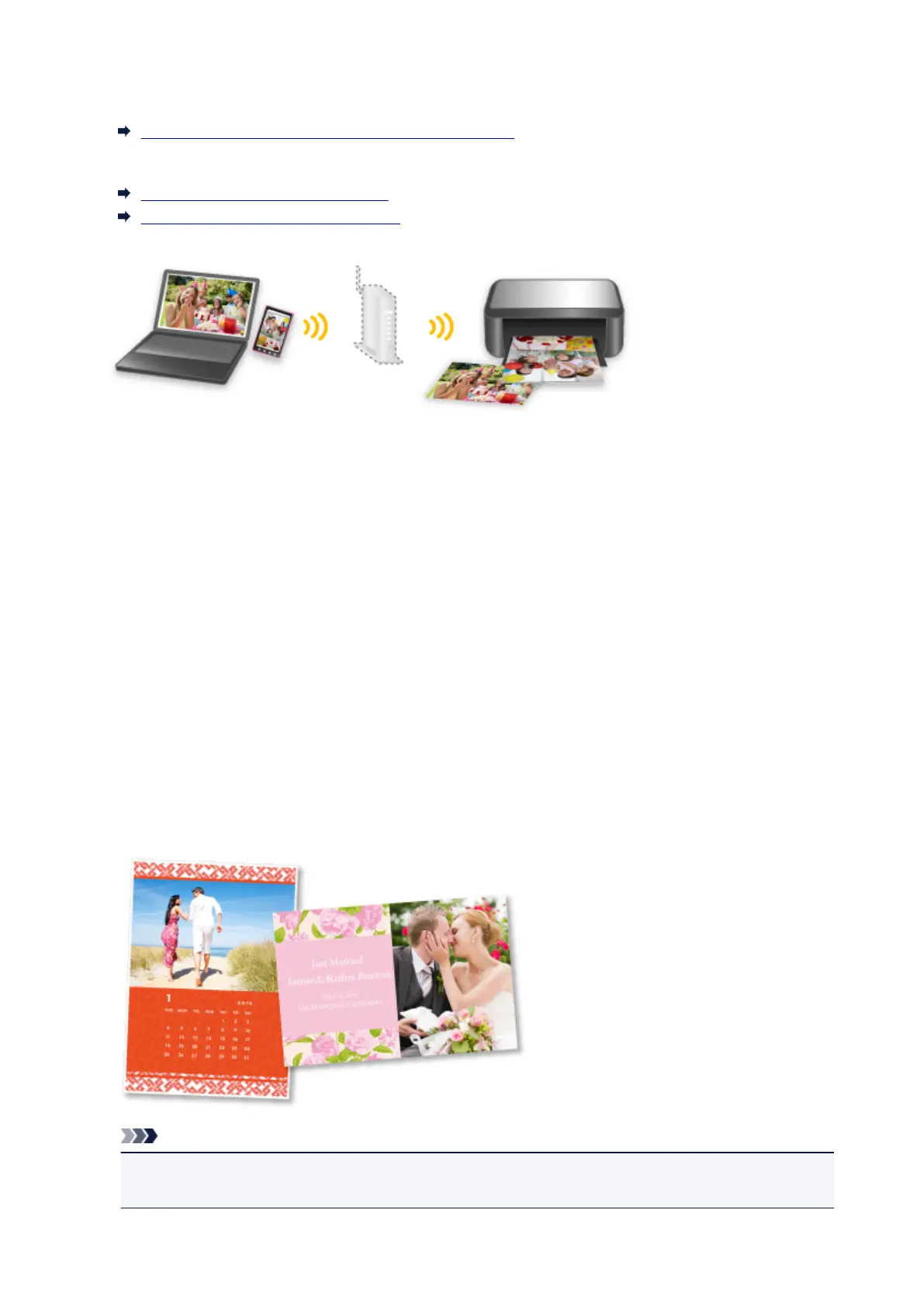
When you use the machine with the access point mode, be sure to specify the access point name of the
machine and the security setting in advance.
Before Using the Machine with the Access Point Mode
For details on printing or scanning with the access point mode:
Printing with the Access Point Mode
Scanning with the Access Point Mode
Download a Variety of Content Materials
CREATIVE PARK
A "printing materials site" where you can download all the printing materials for free.
Various types of content such as seasonal cards and paper crafts that can be made by assembling
paper parts are provided.
It is easily accessible from Quick Menu.
CREATIVE PARK PREMIUM
A service where customers using models that support PREMIUM Contents can download exclusive
printing materials.
PREMIUM Contents can be downloaded easily via My Image Garden. Downloaded PREMIUM
Contents can be printed directly with My Image Garden.
To download PREMIUM Contents, make sure that genuine Canon ink tanks/ink cartridges are installed
for all colors on a supported printer.
Note
• The designs of PREMIUM Contents provided in this page are subject to change without prior
notice.
26













 To Next Page