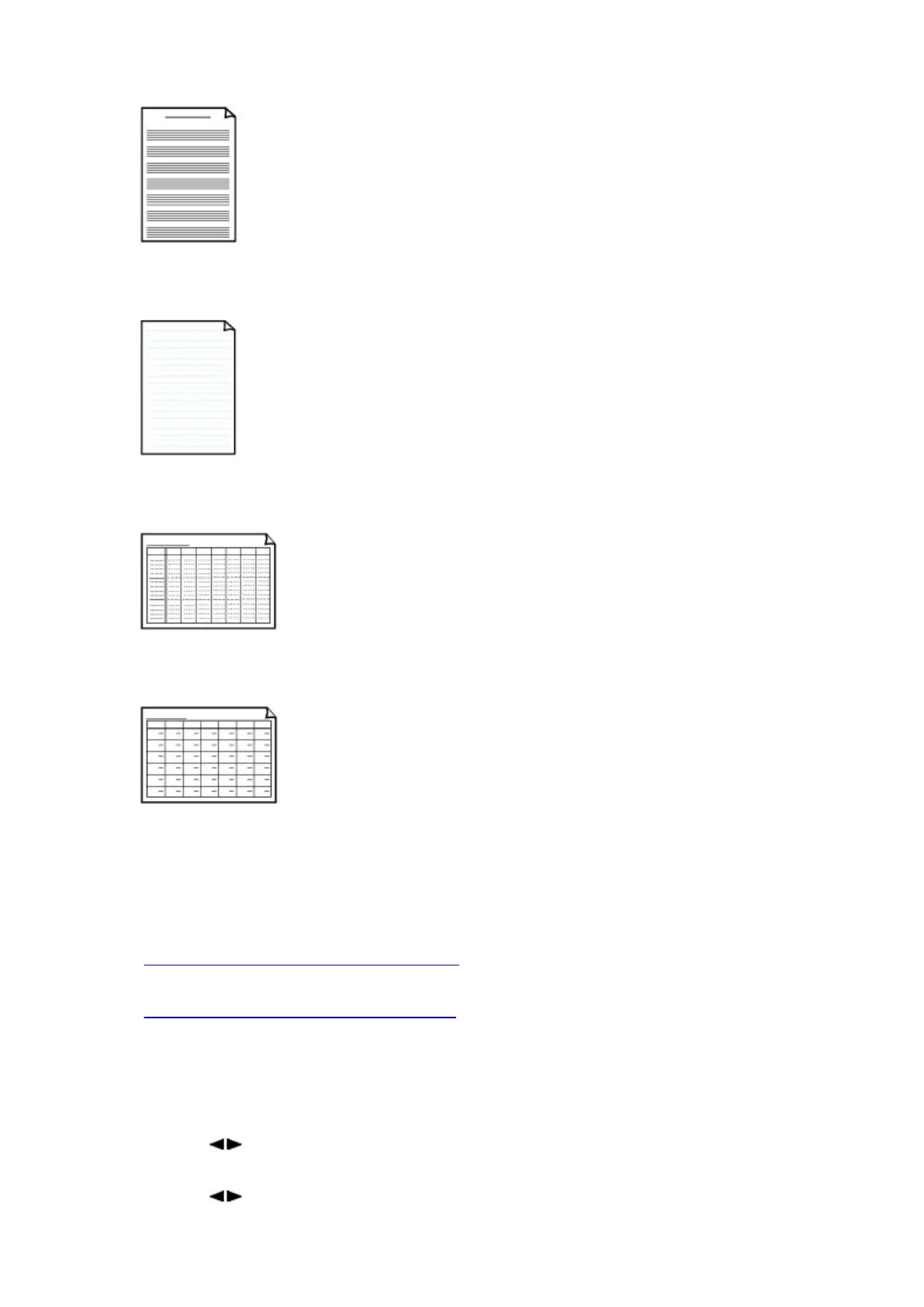
• Staff paper
You can print staff paper with 10 or 12 staves.
Setting on the LCD:
◦ Staff paper 1: 10 staves
◦ Staff paper 2: 12 staves
• Handwriting paper
You can print handwriting paper.
Setting on the LCD:
Handwriting paper
• Weekly schedule
You can print a weekly schedule form.
Setting on the LCD:
Weekly schedule
• Monthly schedule
You can print a monthly schedule form.
Setting on the LCD:
Monthly schedule
Printing template forms
Print template form following the procedure below.
1. Make sure that the machine is turned on.
2. Load A4, B5, or Letter-sized plain paper.
3. Press the Setup button.
The Setup menu screen is displayed.
4. Use the button to select Template print, then press the OK button.
5. Use the button to select the template you want to print, then press the OK button.
397













 To Next Page