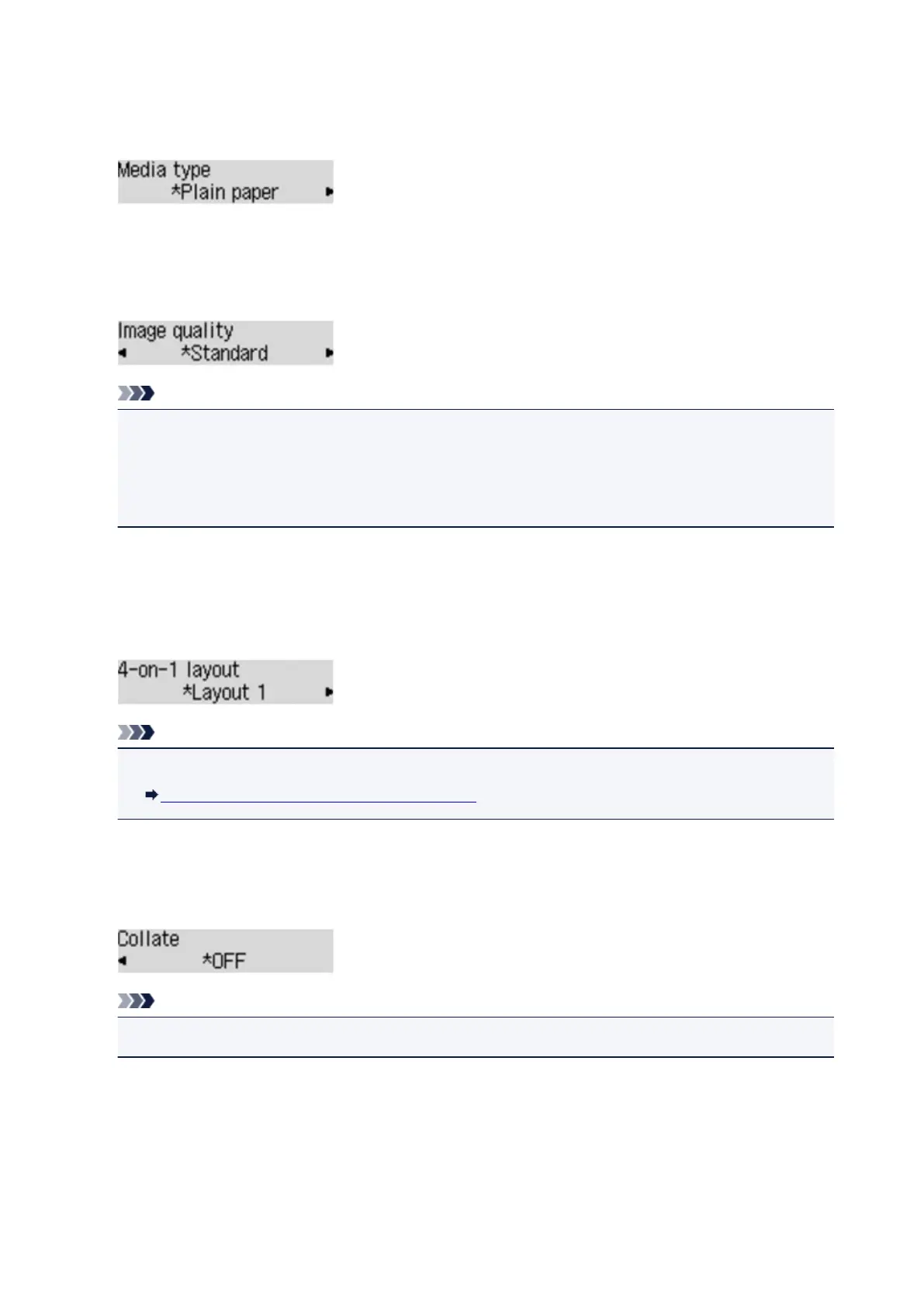
• Media type
Select the media type of the loaded paper.
Ex:
• Image quality
Select the image quality according to the original.
Ex:
Note
• If you use Draft with the media type set to Plain paper and the quality is not as good as expected,
select Standard or High and try copying again.
• Select High to copy in grayscale. Grayscale renders tones in a range of grays instead of black or
white.
• 4-on-1 layout
Select the layout when copying four original pages onto a single sheet of paper by reducing each image.
Four different layouts are available.
Ex:
Note
• This setting item is displayed only when 4-on-1 copy is selected for Special copy.
Copying Four Pages to Fit onto a Single Page
• Collate
Select whether to obtain sorted printouts when making multiple copies of a multi-paged original.
Ex:
Note
• This setting item is displayed when standard copying is selected.
405













 To Next Page