Note
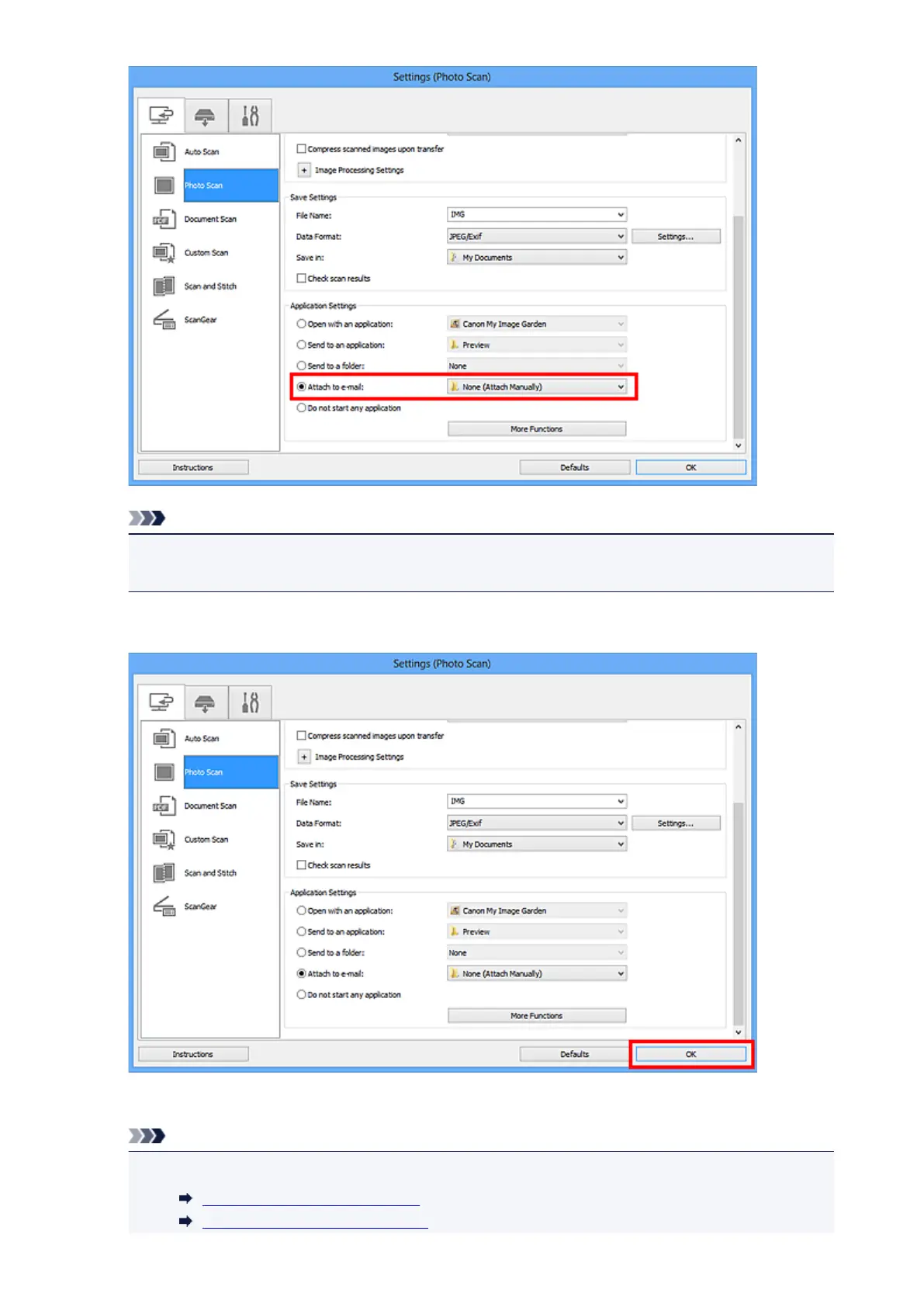
• You can add e-mail clients to use for attachments from the pull-down menu.
• If None (Attach Manually) is selected, manually attach scanned and saved images to e-mail.
5.
Click OK.
The IJ Scan Utility main screen appears.
Note
•
Refer to the following pages for details on the setting items in the Settings dialog box.
Settings (Auto Scan) Dialog Box
Settings (Photo Scan) Dialog Box
441













 To Next Page