Settings (ScanGear) Dialog Box
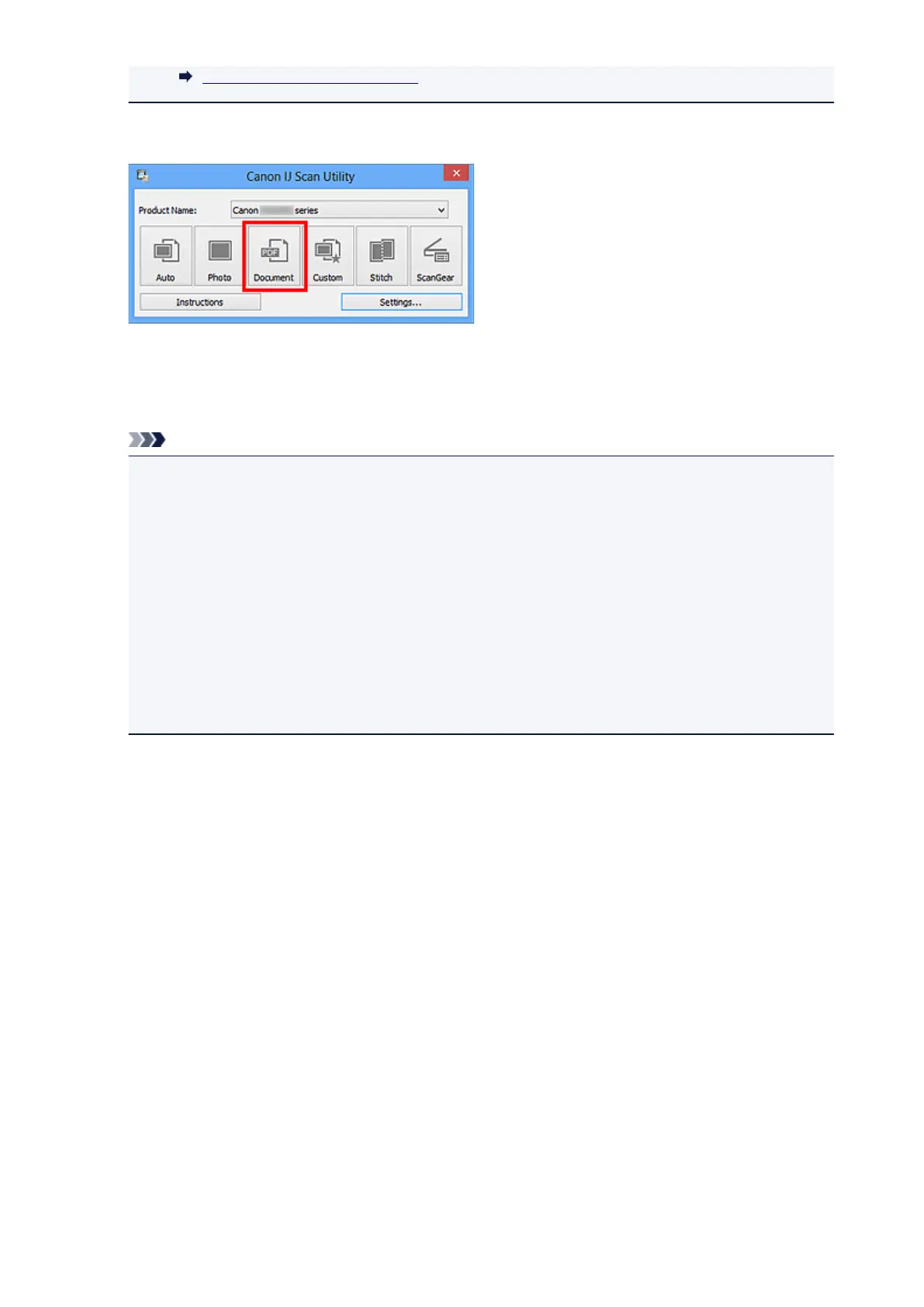
6. Click Document.
Scanning starts.
When scanning is completed, the scanned images are saved according to the settings, and the extracted
text appears in the specified application.
Note
•
Click Cancel to cancel the scan.
• Text displayed in Notepad (included with Windows) is for guidance only. Text in the image of the
following types of documents may not be detected correctly.
• Documents containing text with font size outside the range of 8 points to 40 points (at 300 dpi)
•
Slanted documents
• Documents placed upside down or documents with text in the wrong orientation (rotated
characters)
• Documents containing special fonts, effects, italics, or hand-written text
• Documents with narrow line spacing
•
Documents with colors in the background of text
• Documents containing multiple languages
445













 To Next Page