Resolution
Note
• Only Auto is available when Select Source is Auto.
• Only 300 dpi or 400 dpi can be set when Start OCR is selected in Application Settings.
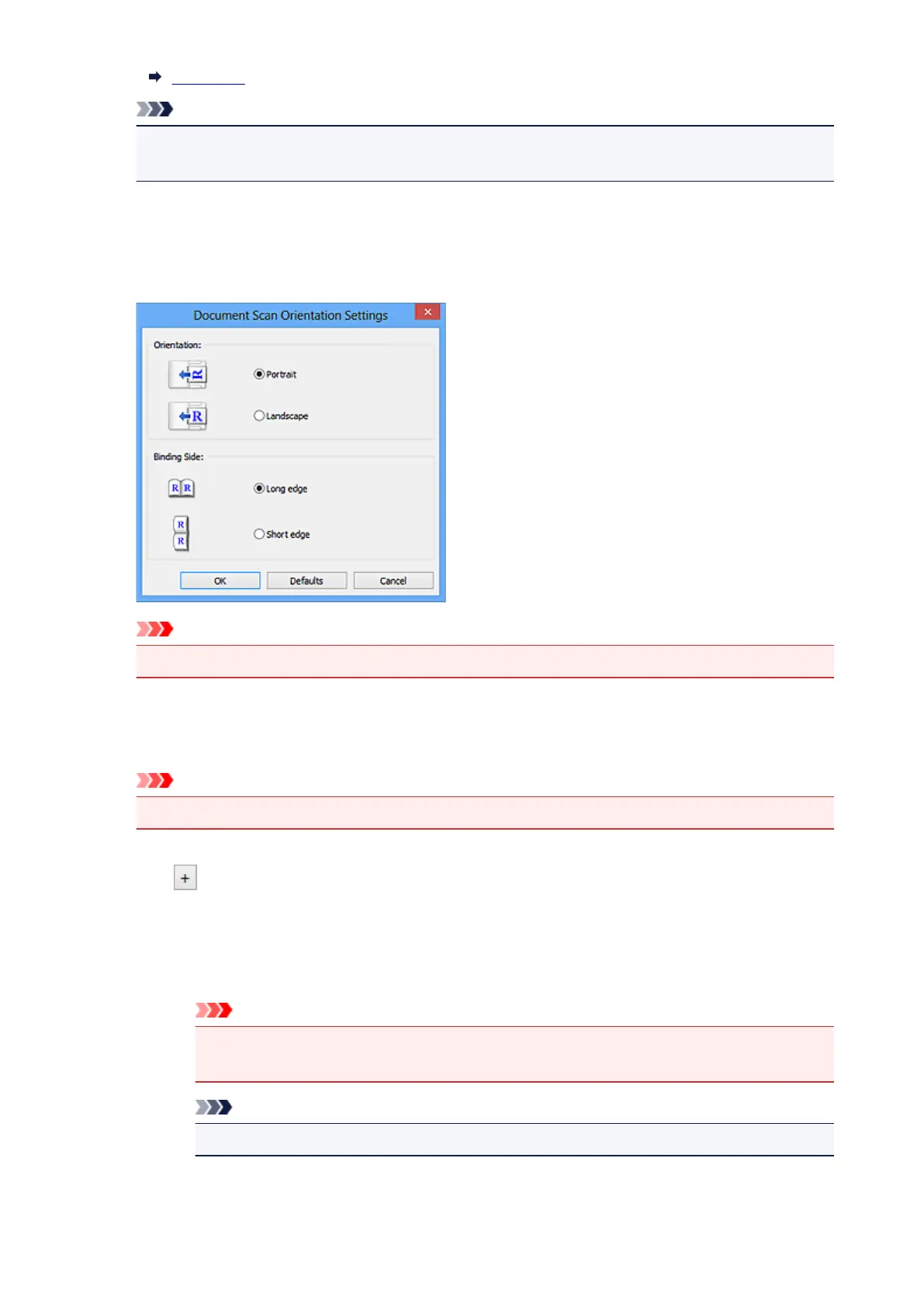
Document Scan Orientation Settings...
This appears when you select ADF or Auto for Select Source.
Click to display the Document Scan Orientation Settings dialog box in which you can set the
orientation and binding side of the documents to be scanned from the ADF.
Important
• Binding Side cannot be specified when scanning only the front side of each document.
Compress scanned images upon transfer
Compresses scanned images when transferring them to a computer. This is useful when your
scanner or printer and computer are connected with a slow interface such as USB1.1 or a network.
Important
• This does not appear when Select Source is Auto.
Image Processing Settings
Click (Plus) to set the following. Available setting items vary by Select Source.
• When Select Source is Auto:
Apply recommended image correction
Applies suitable corrections automatically based on the item type.
Important
• The color tone may differ from the source image due to corrections. In that case,
deselect the checkbox and scan.
Note
• Scanning takes longer than usual when you enable this function.
465













 To Next Page