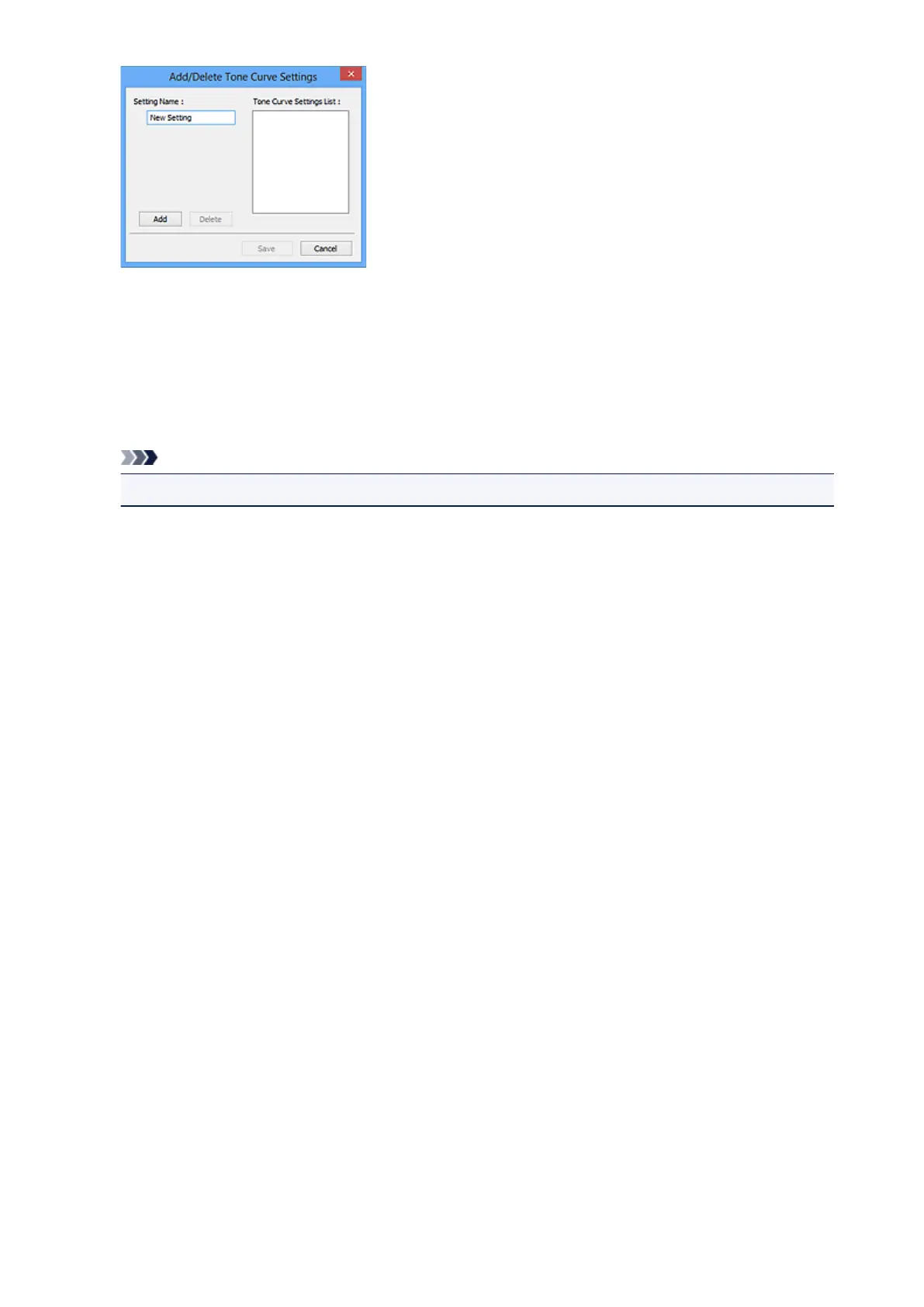
Enter Setting Name and click Add; the name appears in Tone Curve Settings List or Threshold
Settings List. Click Save to save.
To delete an item, select it in Tone Curve Settings List or Threshold Settings List and click Delete.
Click Save to save the settings displayed in Tone Curve Settings List or Threshold Settings List.
You can load and apply the saved tone curve/threshold settings to a preview image. To load the
settings, select the saved item from the pull-down menu.
Note
• Save up to 20 items.
Defaults
Reset all adjustments (saturation/color balance, brightness/contrast, histogram, and tone curve).
557













 To Next Page