- The entire message should be no longer than 15 seconds.
- In the message, tell your callers how to send a fax.
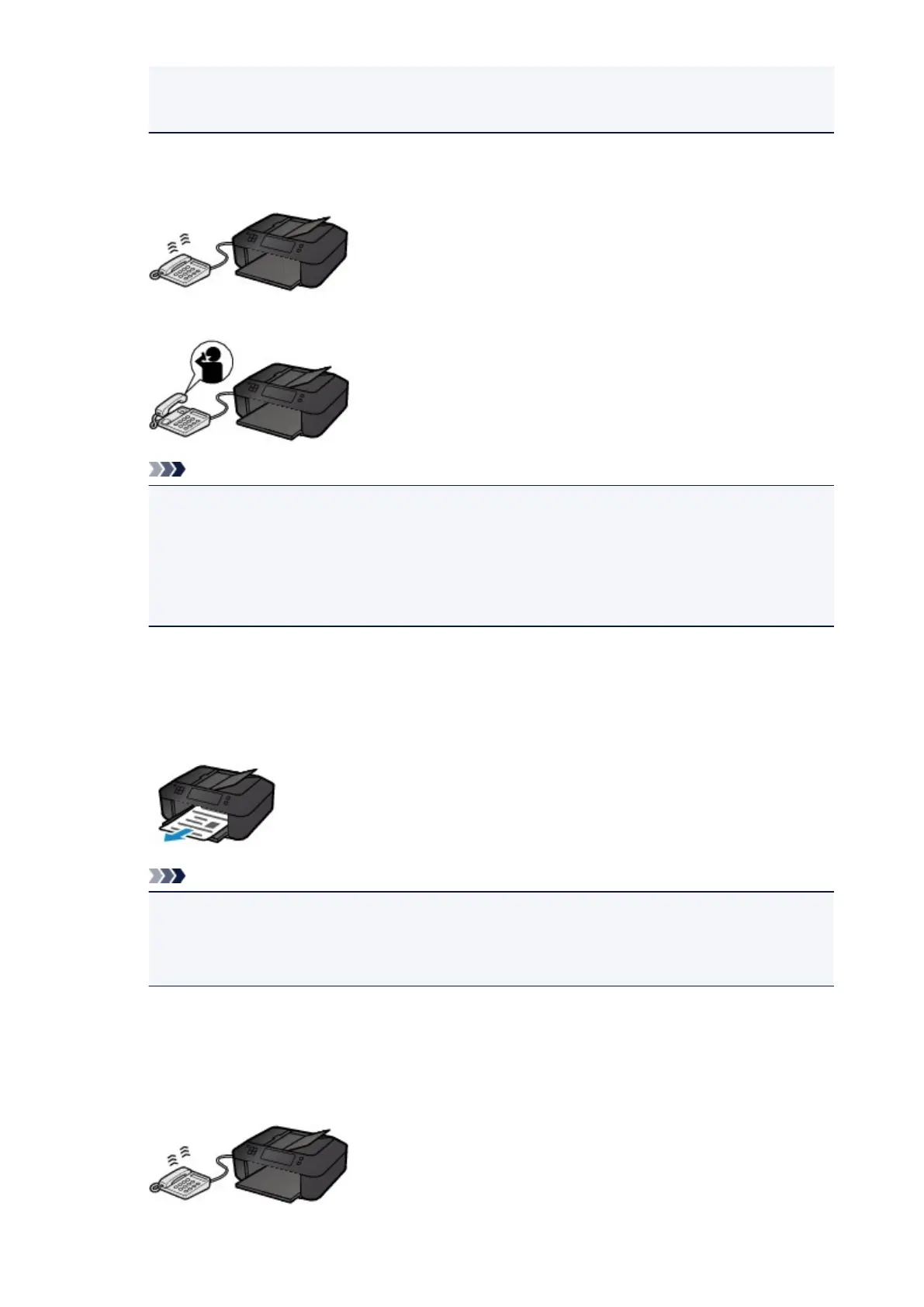
• When the call is a voice call:
The telephone will ring when a call incomes.
Pick up the handset, and talk on the telephone.
Note
• If the machine unexpectedly switches to fax reception during telephone calls, set User-friendly
RX of the advanced setting to OFF.
• If Manual/auto switch of the advanced setting is set to ON, you must answer an incoming call
by picking up the handset within the time specified in RX start time. Otherwise the machine
will switch to fax reception.
When Fax only mode is selected:
• When the call is a fax:
The machine will receive the fax automatically.
Note
• If a telephone is connected to the machine, the telephone will ring when a call incomes.
• You can change the number of times to ring the telephone with Incoming ring of the advanced
setting.
When DRPD or Network switch is selected:
• When the call is a fax:
The telephone will ring when a call incomes.
673













 To Next Page