Note
•
In Windows XP, when you open the address book for the first time, the Setup Windows
Address Book dialog box will be displayed. Refer to "Setup when Opening the Address Book
for the First Time (Windows XP)" for details.
• In Windows 8/Windows 7/Windows Vista, you can register an individual recipient (Contact) in
the address book folder (Windows Contacts) as an address book file (.contact file) which can be
used in multiple applications. However, you cannot change the address book you use, as only
one address book can be created per user.
Follow the steps below to open Windows Contacts.
• Windows 8:
Select the Search charm, then search for Windows Contacts.
•
Windows 7/Windows Vista:
Select XXXX (user name) from the Start menu, then double-click Contacts.
3.
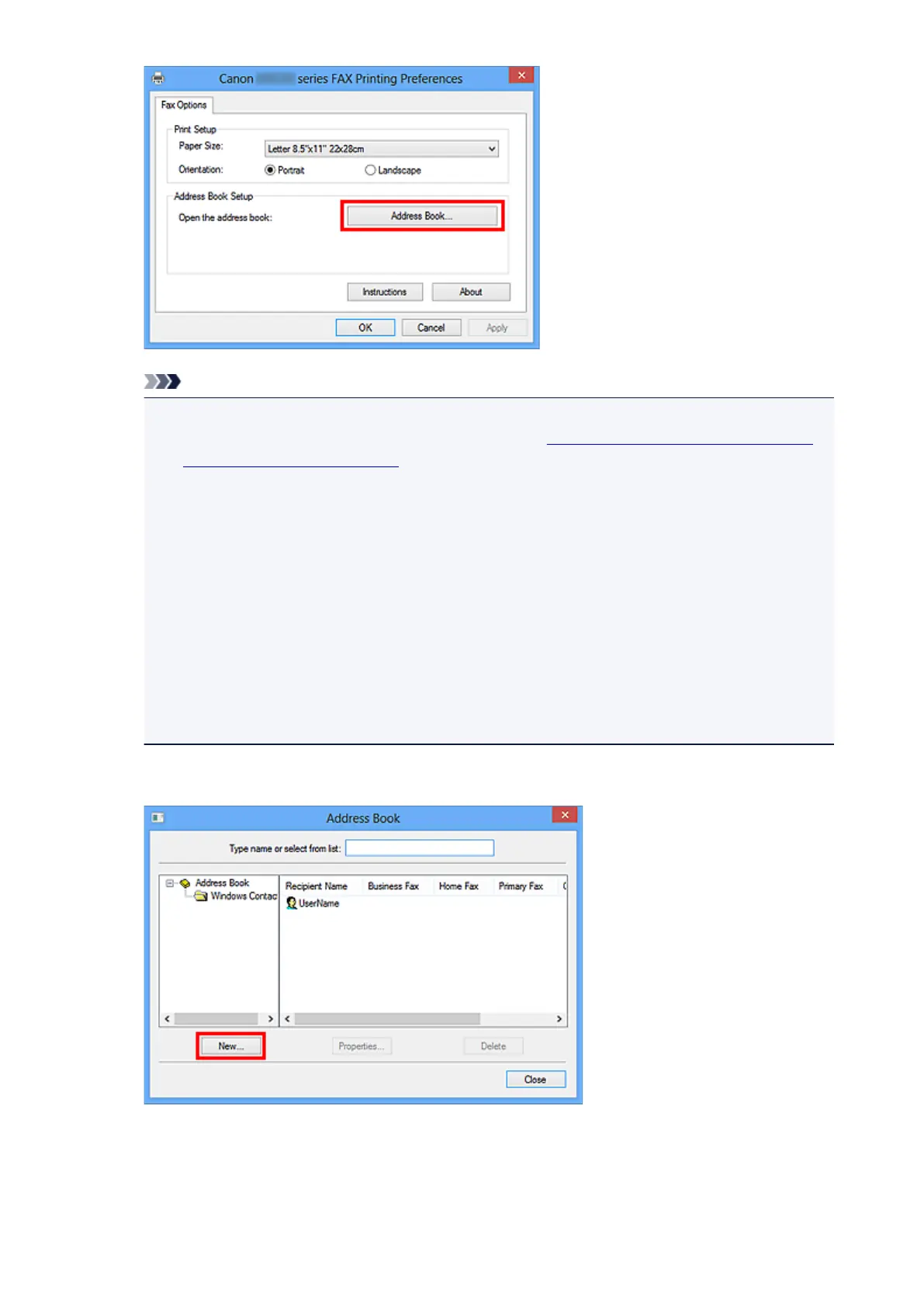
In the Address Book dialog box, click New.
4. Select Contact in the New Entry dialog box, then click OK.
705













 To Next Page