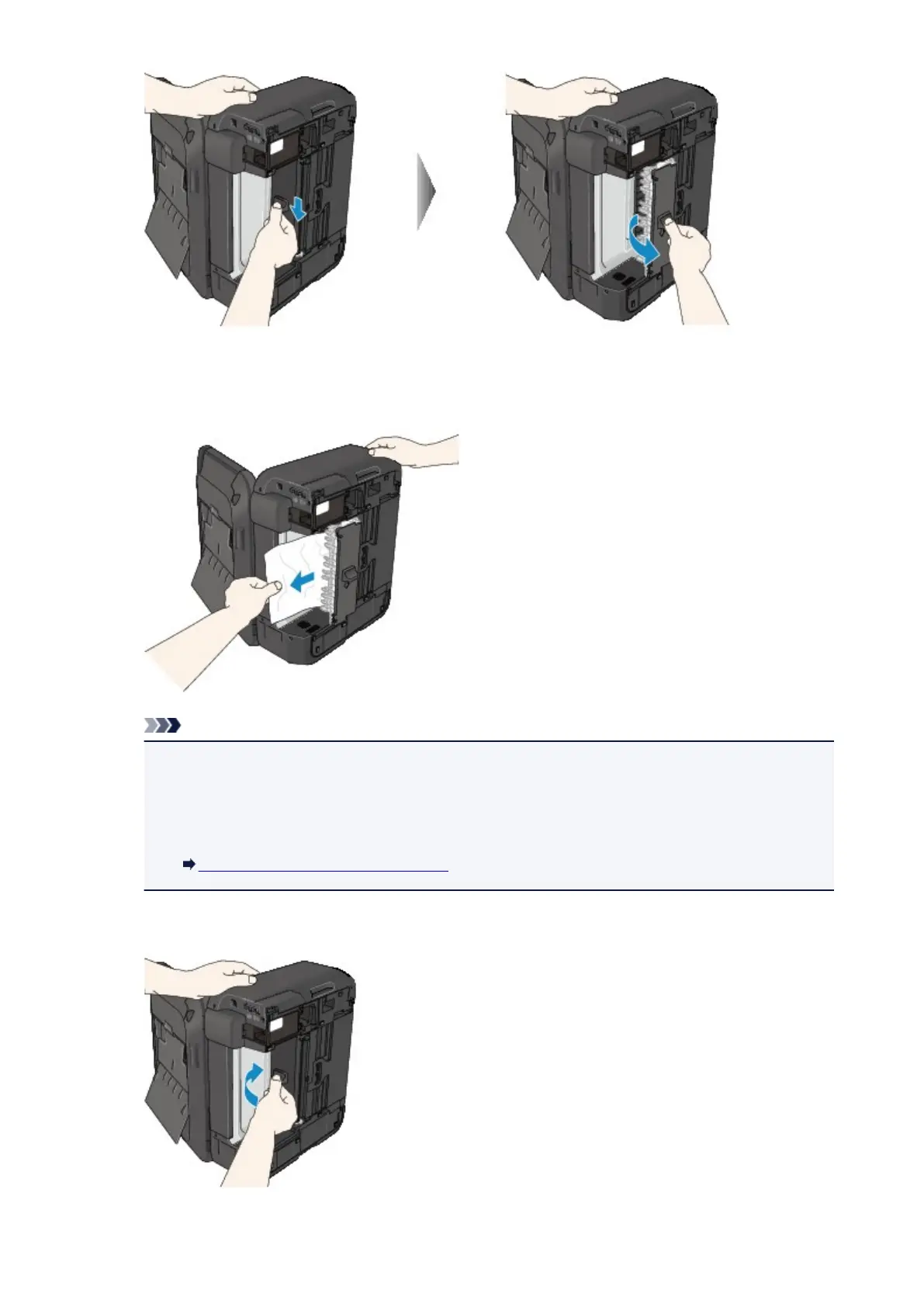
5.
Pull out the jammed paper slowly.
When you pull the jammed paper, support the machine with your hand so that it does not fall down.
Note
•
If the paper is rolled up and it is difficult to remove, grasp the edges of the paper, then remove
the jammed paper.
• If you cannot remove the jammed paper from the transport unit, close the transport unit, take
back the machine in original position, then remove the paper from inside the machine.
Paper Is Jammed inside the Machine
6. Close the transport unit.
830













 To Next Page