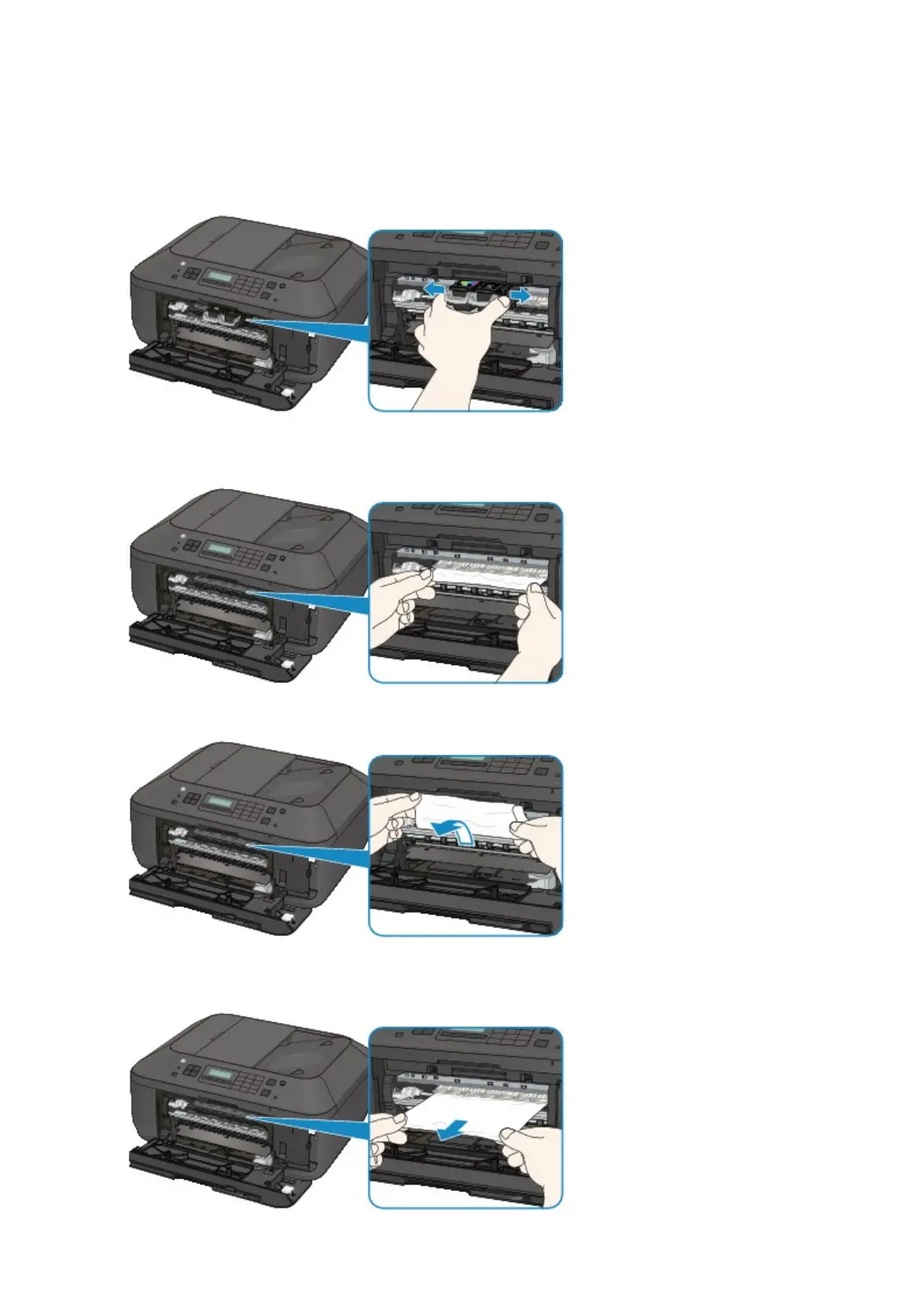
3. Make sure that the jammed paper is not under the FINE cartridge holder.
If the jammed paper is under the FINE cartridge holder, move the FINE cartridge holder to the right edge
or the left edge whichever is easier to remove the paper.
When you move the FINE cartridge holder, hold the FINE cartridge holder and slide it slowly to the right
edge or the left edge.
4.
Hold the jammed paper with your hands.
If the paper is rolled up, pull it out.
5. Pull the paper slowly not to tear it, then pull the paper out.
835













 To Next Page