SMARTH Manual
Appendix A. Modes and Events SMARTH
Appendix A. Modes and Events SMARTH
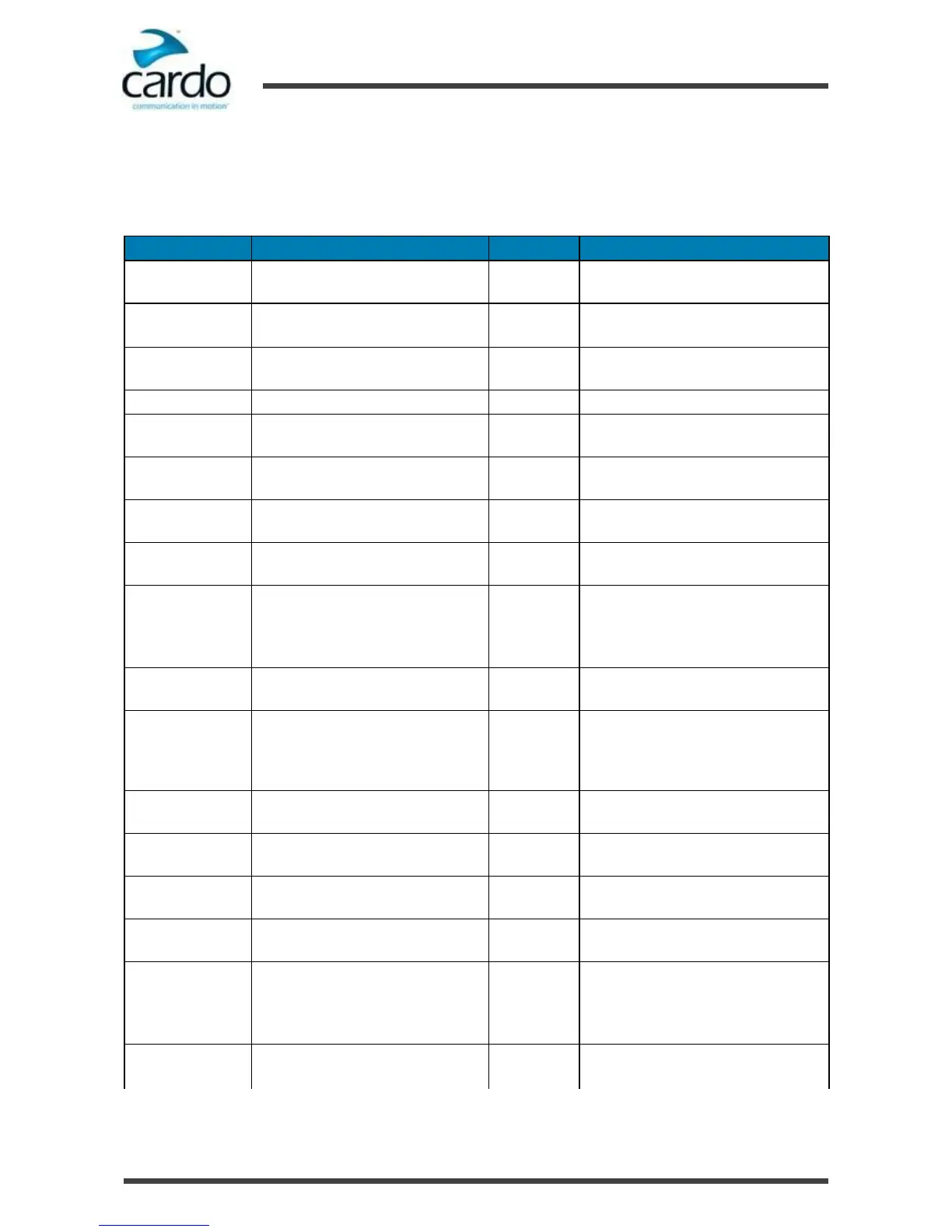
The features you can use at any given moment depend on SMARTH's current mode, as indicated by the headset LEDs.
The following table shows LED indications for modes and events according to the current battery state.
Fast three times (repeating every 1
second)
●
Active DMC intercom call
●
Rider B connected
●
Set VOX to enabled
●
Pairing intercom rider B
Fast (repeating every 3 seconds)
●
Active mobile call, voice via mobile
●
Standby
Slow twice (repeating slow, every 3
seconds)
●
Incoming/outgoing call (intercom or
mobile)
●
Audio active (intercom, FM, A2DP,
GPS, Feature/Settings menu)
●
DMC intercom pairing failed
●
Rider A connected
●
Pairing intercom rider A
●
Power off
●
Off
●
Rider A connected
●
Set VOX to disabled
●
Pairing intercom rider A
Fast (repeating slow, every 3 seconds)
●
Active mobile call, voice via mobile
●
Standby DMC intercom
Slow twice (repeating slow, every 3
seconds)
●
Incoming/outgoing call (intercom
ormobile)
●
Audio active (intercom, FM, A2DP,
GPS, Feature/Settings menu)










 To Next Page