14 Chapter 3 CS 3500 Software Overview
Preferences Dialog Boxes Overview
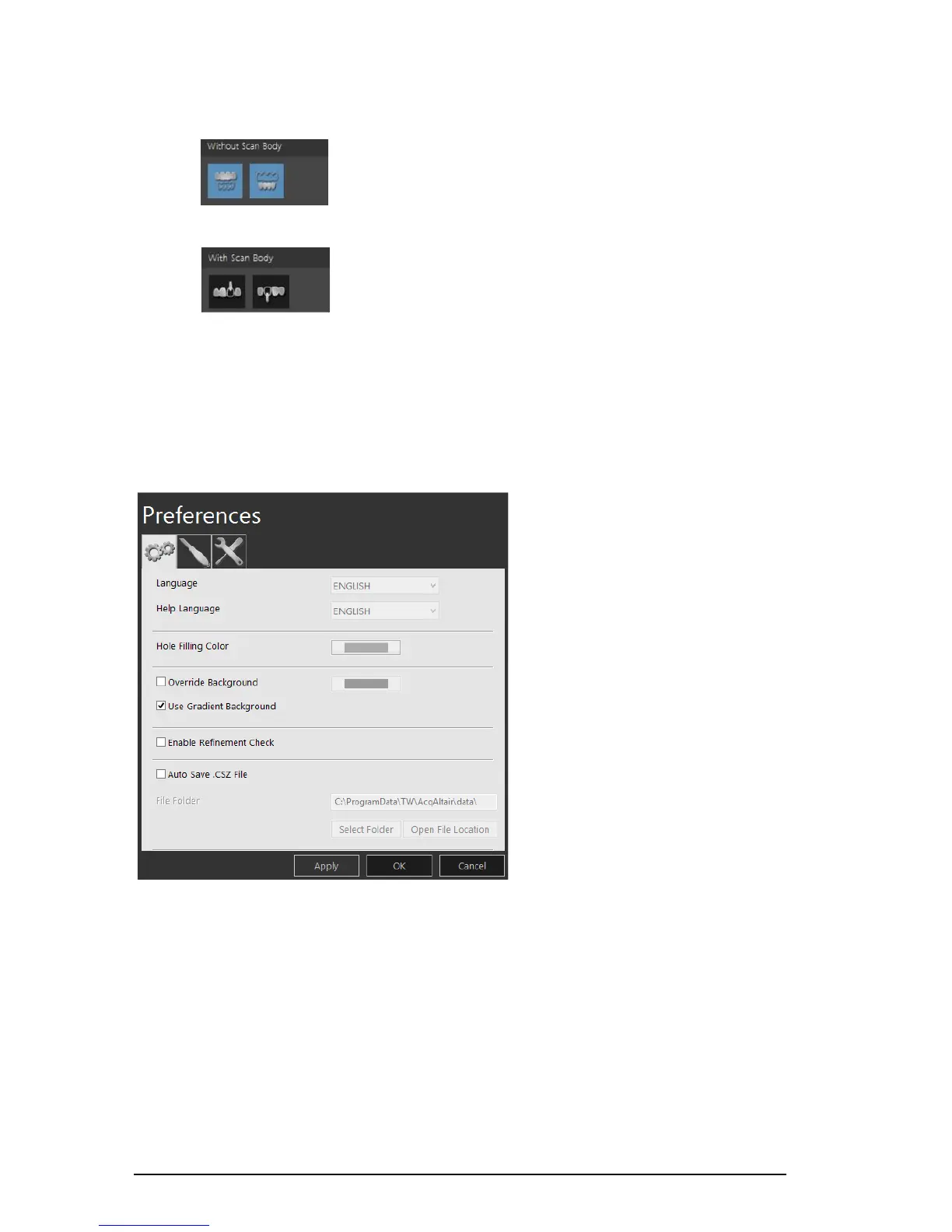
The Preferences dialog boxes enable you to select the CS 3500 Acquisition interface settings. It is
recommended that you set up your preferences before using the CS 3500.
General Preferences
Figure 7 General Preferences
The General Preferences window enables you to select these options:
• Language: Select the menu language.
• Help Language: Select the online help system language.
• Hole Filling Color: Select the color used to highlight the filled holes after refinement.
• Override Background: Select the background color you prefer.
• Use Gradient Background: Select to include color gradations in the background.
Without Scan Body: Click the Without Scan Body button to view the
jaw without the scan body.
With Scan Body: Click the With Scan Body button to view the jaw
with the scan body.











 To Next Page