CS 3500 User and Installation Guide (9H4853)_Ed07 15
• Enable Refinement Check: Select to enable the refinement check, which gives you the
opportunity to check the image refinement, if desired, before cutting out the implant area.
Note: You can select this preference only in the implant acquisition mode.
• Auto Save .CSZ File: Select to save a copy of the raw data for a scan in the designated
folder.
Use the following options:
• Select Folder: Click to navigate to the folder to which you want to save the .CSZ file.
• Open File Location: Click to open the folder containing the .CSZ files.
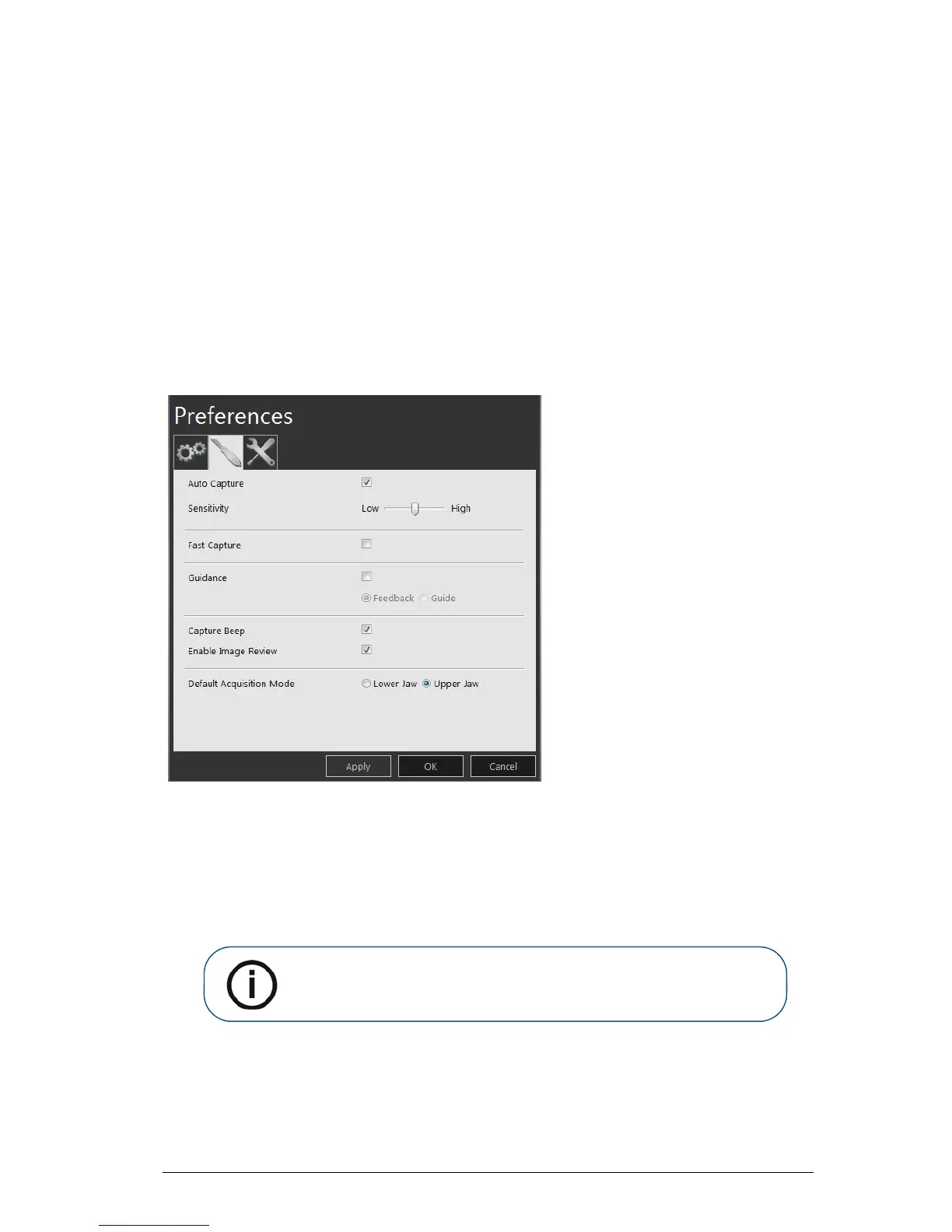
Scanner Preferences
Figure 8 Scanner Preferences
The Scanner Preferences window enables you to select these options:
• Auto Capture: Select to enable auto acquisition. Click the slider to adjust the acquisition
sensitivity.
• Fast Capture: Select to enable the fastest capture speed. Fast capture is recommended for
experienced users who are familiar with using the CS 3500 and maintaining a 30% overlap
with each image.











 To Next Page